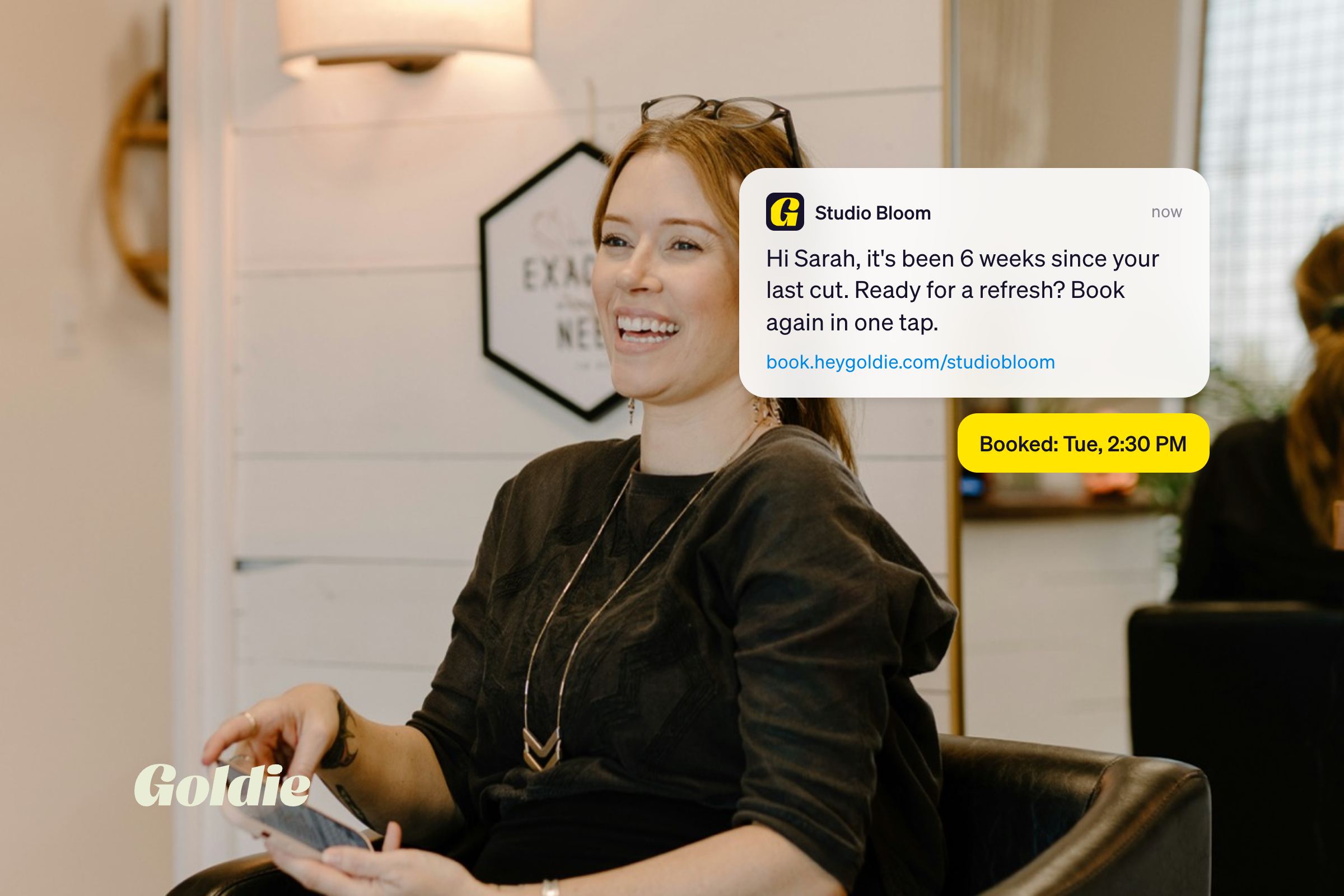
You just finished a three hour balayage. Your client is glowing, already reaching for her phone, and you're under the station digging for a card reader that hasn't been charged since Tuesday.
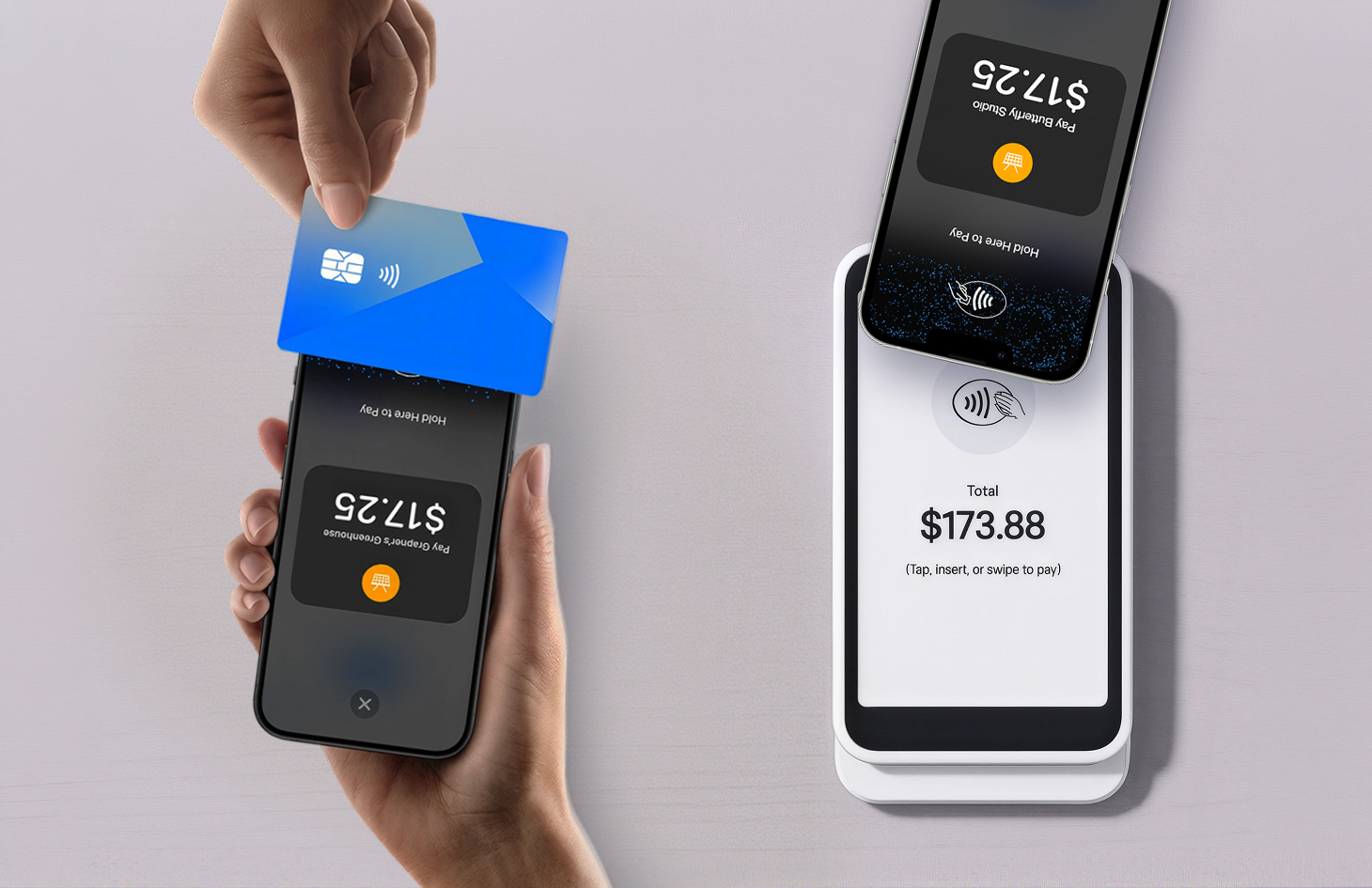
That moment is why tap to pay for salon checkouts caught on so fast. No hardware, no cable, no dead battery. Your client holds a card or a phone near yours, and you're done in about four seconds.
But it isn't right for everyone. A traditional card reader still wins in specific situations, and the wrong setup costs you awkward minutes at checkout.
Tap to pay lets you accept contactless card and digital wallet payments directly on your phone, with or without separate reader involved. The NFC technology built into your device handles the contactless part of the job a card terminal would do, which is why the industry calls it software point of sale, or SoftPOS.
Contactless payments in a salon work like they do at a coffee counter. Your client holds a contactless card, watch, or phone running Apple Pay, Google Pay, or Samsung Pay near the top of your phone. NFC handles the handshake, the data is encrypted and tokenized, and it's processed as a card present transaction.
Apple Pay is how your client pays. Tap to pay on iPhone is how you get paid: their card lives in their wallet, your phone becomes the terminal that reads it. Two ends of one transaction, which is why the terms get tangled.
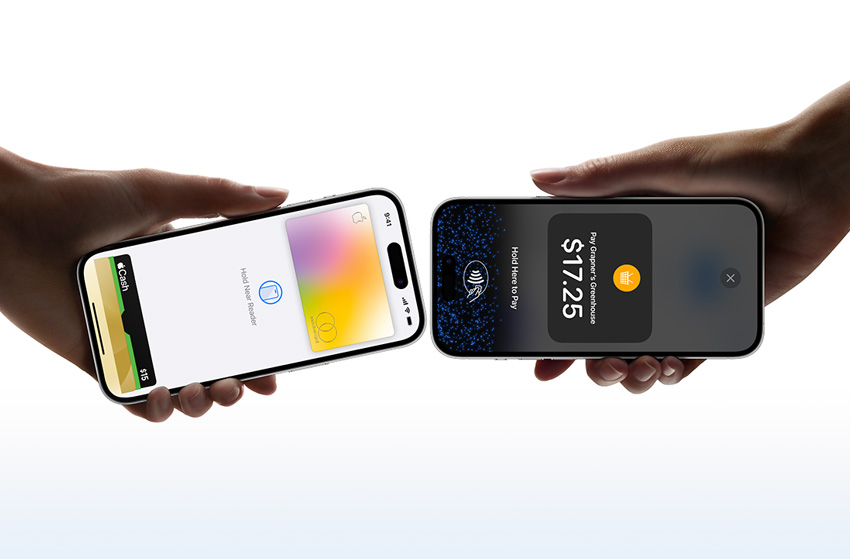
Goldie supports tap to pay on compatible iPhone and Android once payments are active, and the setup guide for tap to pay on Android covers every screen.
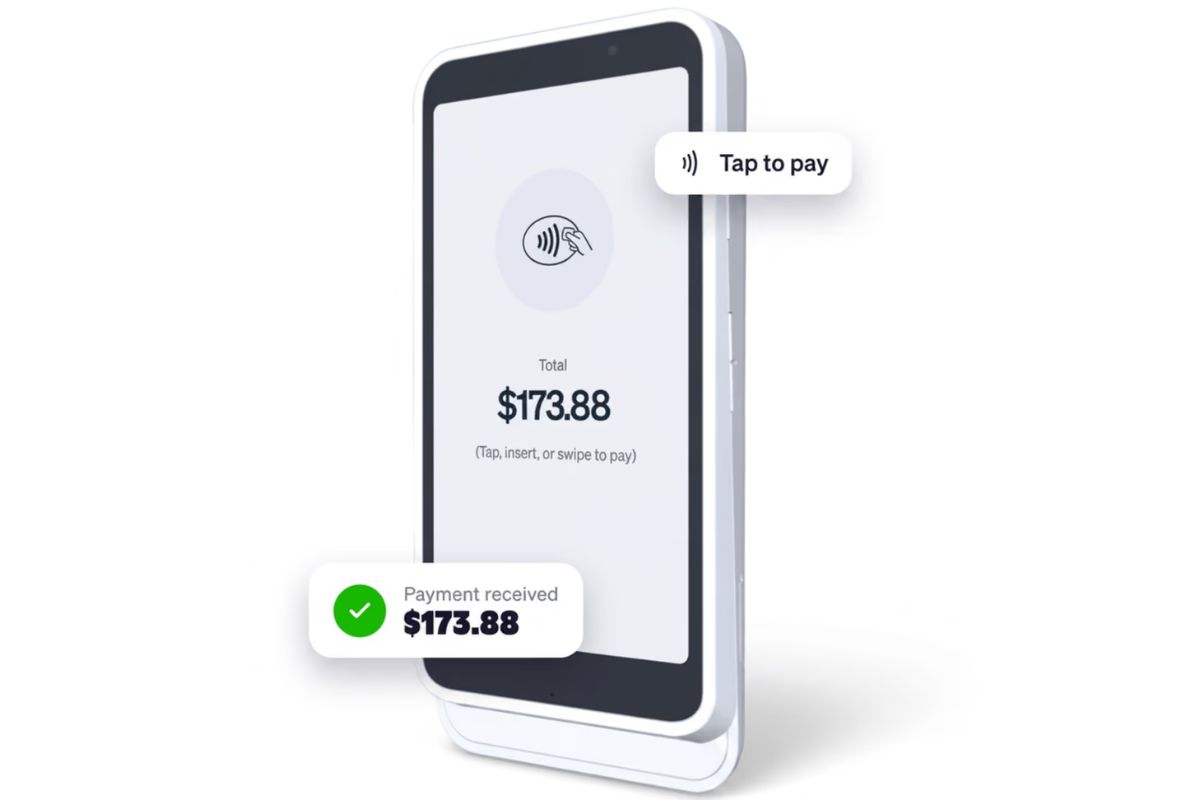
A traditional salon card reader is separate hardware that pairs with your phone over Bluetooth or connects to Wi-Fi, and accepts chip, swipe, and tap.
Contactless payments in a salon are only part of what a reader handles. Goldie offers two shapes.
Goldie Touch, the bigger one: a Wi-Fi smart terminal built on Stripe's S700 hardware, with its own touchscreen, built for a reception counter but portable enough to carry over. Clients tip and pay on its screen, not yours.
The Goldie Go is the small one: a compact Bluetooth reader that connects to the Goldie app and takes contactless, chip, and swipe. It moves easily between chairs, booths, and client visits.
Both run through the same card reader checkout, so payments stay attached to the appointment.
The Go Card Reader is what most people mean by a mobile card reader for beauty pros.
Only if the chip card also taps. Tap to pay reads contactless cards and NFC wallets, full stop. A client with an older EMV chip card and no contactless symbol has to insert it, and inserting needs a physical reader. That limitation is the whole case for owning hardware.
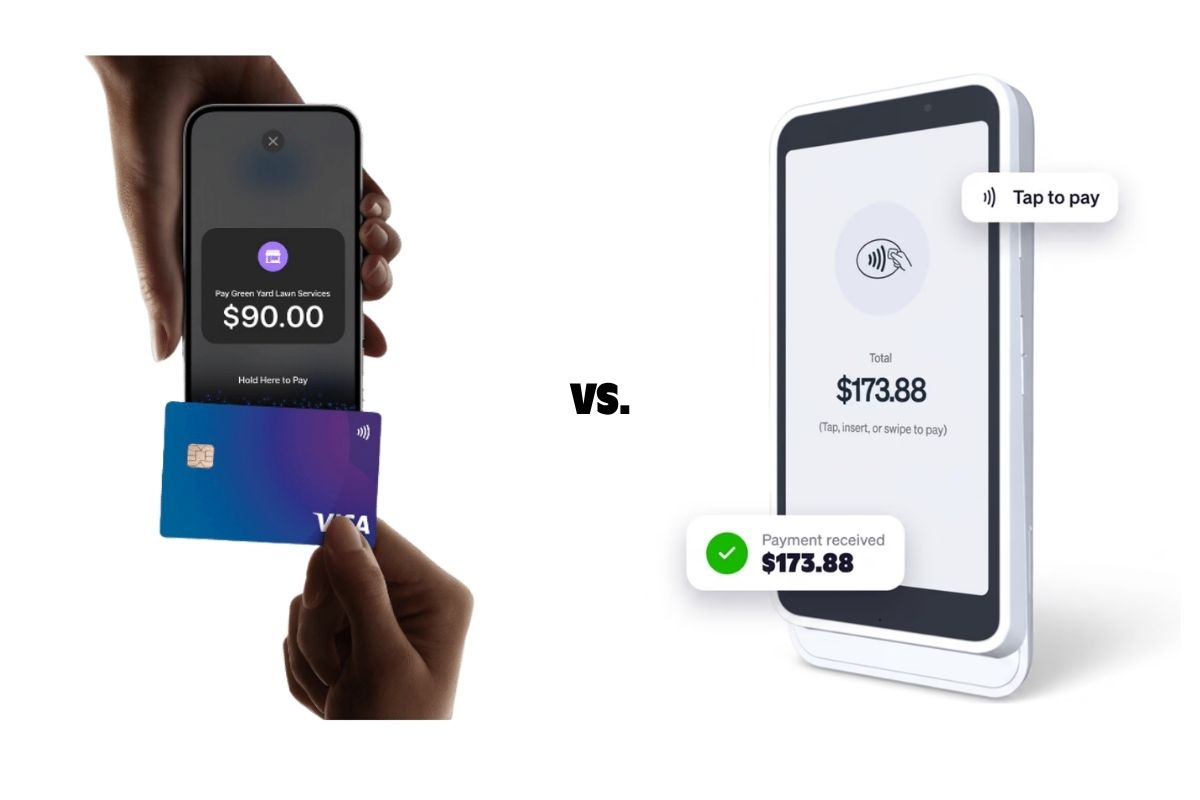
Tap to pay wins on cost and setup speed. A card reader wins on card acceptance and front desk presence.
Both setups fail, just differently. Knowing which failure you'd rather manage is half the decision.
Keep one backup either way.
Don't retry the same way three times while your client watches. Work down the list:
Naming the next step out loud keeps it a hiccup, not a moment.
Yes, and the security model is stronger than most people assume. The client's full card number is never visible to you or stored on Apple's servers.
On iOS 18.4 or later, tap to pay on iPhone is PCI MPoC validated. In plain terms, MPoC is the payment industry's security standard for taking cards on everyday devices like phones, and validated means an independent assessor checked it against those requirements. Your phone isn't just running a payment app.
Nothing is fraud-proof, but if a client hesitates, that's the line to say out loud.
Tap to pay for salon payments costs nothing to start. Readers do, and it depends on the model: the pocket-size M2 is $60, and Goldie Touch is $299 plus shipping and tax. Which models you can order depends on where you're based, so check the app before you budget.
Goldie charges the same rate whether the payment came through your phone or a reader, so hardware doesn't change what you keep. Pro and Pro Plus accounts pay 2.5% + $0.30 and Starter pays 3.5% + $0.30, so check Goldie's current transaction fees for your plan.
It shouldn't. A provider charging more for a phone tap than a terminal tap is making a pricing choice, not a technical one. Price out all five:
Tap to pay is usually the better default when you work away from a fixed counter. Nothing extra to charge, lose, or leave in your other bag.
The everyday setup for a:
Booth renters especially. You're an independent business, so you can't run income through the salon owner's terminal. Your payments, your reports, your taxes. And no hardware bill before your first client.
Visa's Mark Nelsen calls that "a tech equalizer for businesses", and the adoption numbers tell the same story: Visa reported 200% year-over-year worldwide growth in Tap to Phone use. You won't have a national chain's payment setup, but you can take a contactless card the same way they do.
It comes down to where you work and who's at the counter. Tap to pay for solo and mobile pros; a salon card reader for fixed desks and teams.
A mobile card reader for beauty pros splits the difference: chip and swipe you can still carry.
While you're in payment settings, switch on booking deposits. Those are collected online at booking rather than through a tap, but taking deposits in your salon cuts no-shows fast.
Here's the good news: you can't really get this wrong. Contactless payments in a salon are second nature to most clients now, and either setup gets you paid faster. With debit and credit cards already accounting for two thirds of consumer payments, your clients are ready to pay. Tap to pay removes the last bit of friction: nothing to order, nothing to pair, nothing to remember. Just the phone already in your pocket.
Setting it up takes a couple of minutes. Turn on payment processing in your booking app, then charge yourself a dollar so you've seen the flow before a client is standing there. That's it.

.webp)