Client forms

Client forms

Custom intake forms, consultations, and signatures — finished before the appointment is confirmed.

Features

The ultimate sidekick for busy beauty pros

Trusted by 150,000 beauty professionals worldwide
Out of 5 ★★★★★ on:
Capterra, Play Store, App Store
Trusted by 150,000 beauty professionals worldwide
Large bold number 4.8 in dark color on white background.
Out of 5 on:
Capterra, Play Store, App Store
Automated review requests
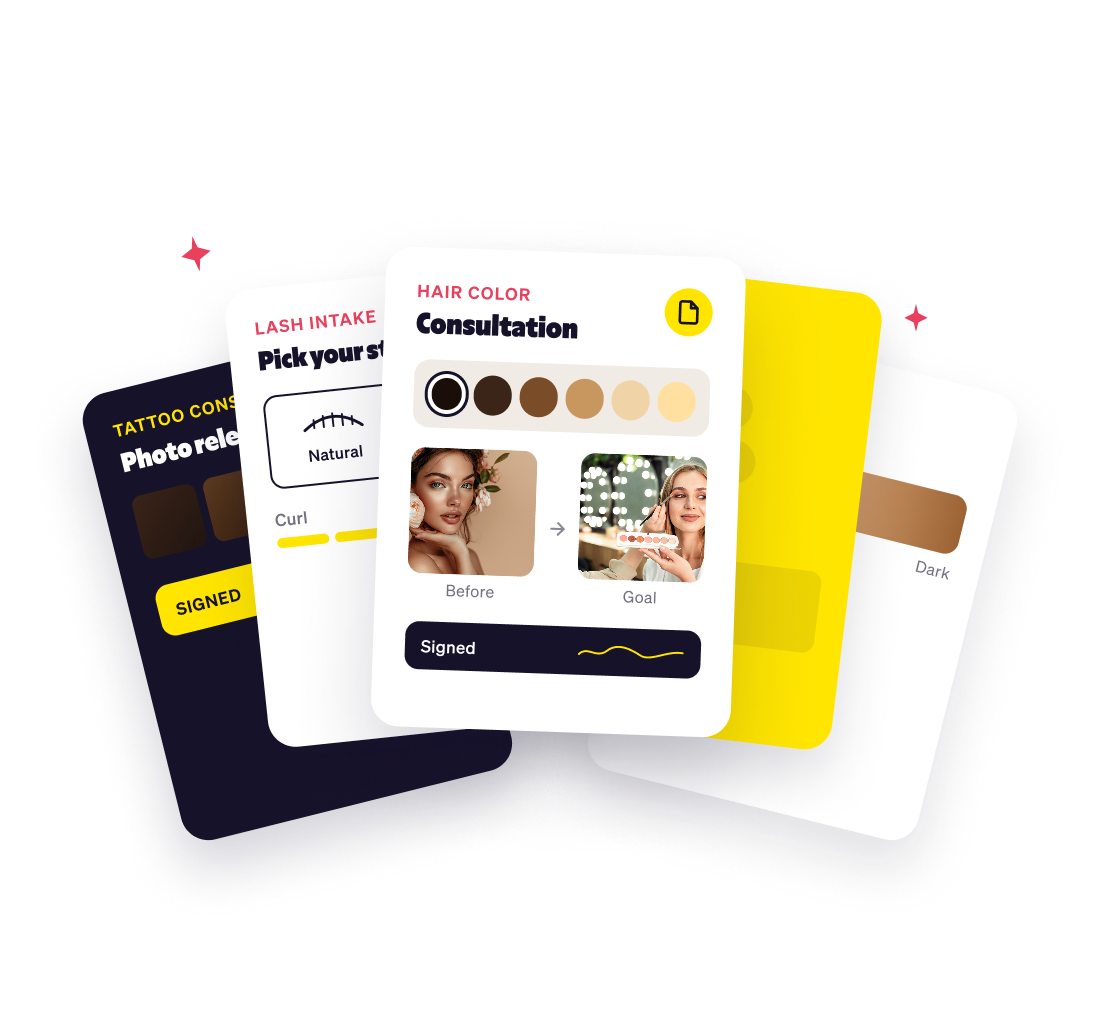
One form. Any service. Any specialty.

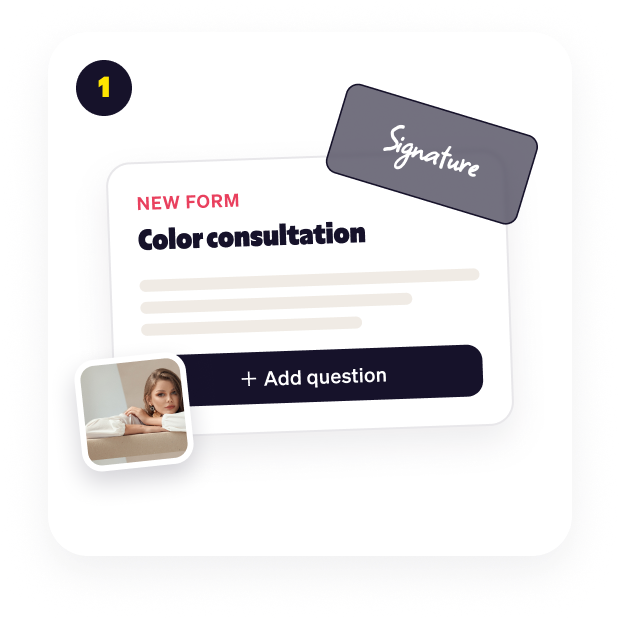
Build the exact form your service needs. Hair history, allergy disclosure, photo consent, prep notes. Every question is yours.
Digital signatures & client consent
Get your form signed before the chair.

Add a signature field and write your own consent clause. Photo release, treatment consent, cancellation policy — all signed and stored on the appointment.

You're in charge
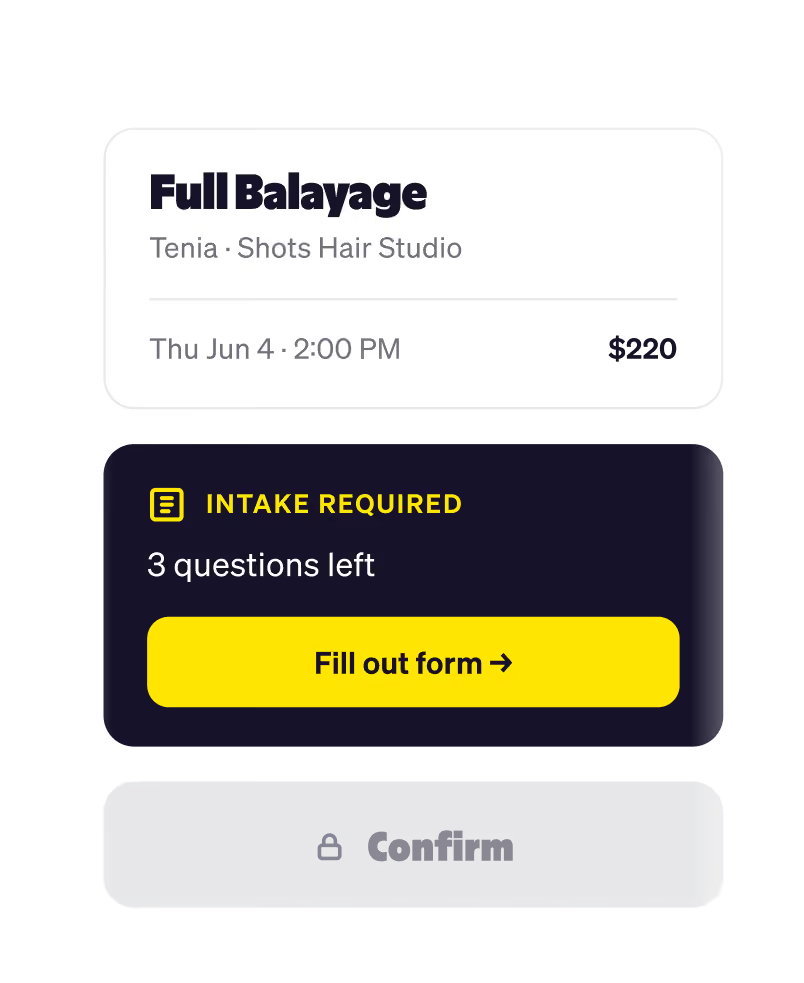
If the form isn't done, the booking isn't done.

Your form shows up the moment a client books. No follow-up texts, no piecing things together five minutes before they sit down.

Digital signatures & client consent
Get your form signed before the chair.

Add a signature field and write your own consent clause. Photo release, treatment consent, cancellation policy — all signed and stored on the appointment.

Salon chargeback protection
Covered if a client ever pushes back.

For pricey or one-off services, your form is your paper trail. Capture a signed acknowledgment plus a photo of the client's ID — everything you need to win a chargeback.

How it works

From form to
booked, in four steps.

Build your form
Drag in any question type — short answer, multiple choice, signature, photo.Make it as detailed as your service needs.
Attach to services
Pick which services require the form.Color clients get the color consultation; a haircut booking skips it.
Client books
When a client picks a service tied to a form, Goldie pulls it up automatically before the booking can be confirmed.
Booked & ready
The signed form lands on the appointment record. You walk in already knowing the client, the service, and the consent.
Pros ❤️ Goldie
Setting up my color consultation form took five minutes; now every client shows up preppedand signed.
Tenia
Hairstylist at Shots Hair Studio
The intake forms are so easy tobuild. Consent and photorelease are signed before clientsever walk in.
Becky
Esthetician at Waxing By B
Setting up my color consultation form took five minutes; now every client shows up preppedand signed.
Tenia
Hairstylist at Shots Hair Studio
The intake forms are so easy tobuild. Consent and photorelease are signed before clientsever walk in.
Becky
Esthetician at Waxing By B
Capterra
GetApp
Capterra
Play Store
Software Advice
Play Store
Support
FAQs
Where will my clients see the intake form?
Icon
As soon as a client books online with your salon, the intake form appears right inside the booking flow. They complete the online consultation form on their phone before the appointment is even confirmed.
Can I require a different form for each service?
Icon
Yes. Build a separate custom intake form for every service you offer: hair color consultation forms, facial intake forms, tattoo consent forms, spray tan waivers, and attach each one to the matching service. Goldie shows clients only the form for the service they're booking.
Can I require clients to sign the form?
Icon
Add a digital signature field with your own consent clause, and clients won't be able to submit the intake form until they sign it. Every electronic signature is legally stored on the appointment record alongside the form responses.
How often will my clients fill out the form?
Icon
You decide. Set the client intake form to run on every booking, or only the first booking, so repeat clients aren't asked the same consultation questions on every visit.
What if a client doesn't complete the form?
Icon
The online booking can't be confirmed without it. Goldie blocks the Confirm step and prompts the client to complete the intake form, eliminating follow-up texts and no-show risk from incomplete client paperwork.The online booking can't be confirmed without it. Goldie blocks the Confirm step and prompts the client to complete the intake form, eliminating follow-up texts and no-show risk from incomplete client paperwork.
How many questions can I add to one form?
Icon
Up to 50 questions per form across every question type. Short answer, long answer, multiple choice, yes/no, digital signature, photo upload, and date picker. Most beauty pros keep their salon intake forms under 10 questions to respect their clients' time.
Can my staff see client form responses?
Icon
Yes. Every team member with access to an appointment can read the attached client intake form responses. You set the salon staff permissions, share with the whole team, or limit form access to the assigned stylist only.
Can client forms help me prevent or win credit card disputes?
Icon
A signed digital intake form is your salon's paper trail and chargeback evidence. Pair it with a photo of the client's ID, and you've got the signed acknowledgment, the policy they agreed to, and the proof of identity - everything your payment processor asks for to win a credit card chargeback case.
What types of beauty and wellness pros use Goldie client forms?
Icon
Hair stylists running color and chemical service consultations, tattoo artists collecting consent and photo release forms, estheticians screening for skin sensitivities, lash and brow techs, med spa intake forms, nail salon waivers, massage therapy health questionnaires, spray tan pros - any beauty or wellness business that needs digital client intake forms before the appointment.
The word 'Goldie' in large, bold, yellow stylized text on a transparent background.