Salon client reviews

Ratings & Reviews

Turn every appointment into a 5-star review, and your booking site into your best salesperson.
Features

The ultimate sidekick for busy beauty pros

Trusted by 150,000 beauty professionals worldwide
Out of 5 ★★★★★ on:
Capterra, Play Store, App Store
Trusted by 150,000 beauty professionals worldwide
Large bold number 4.8 in dark color on white background.
Out of 5 on:
Capterra, Play Store, App Store
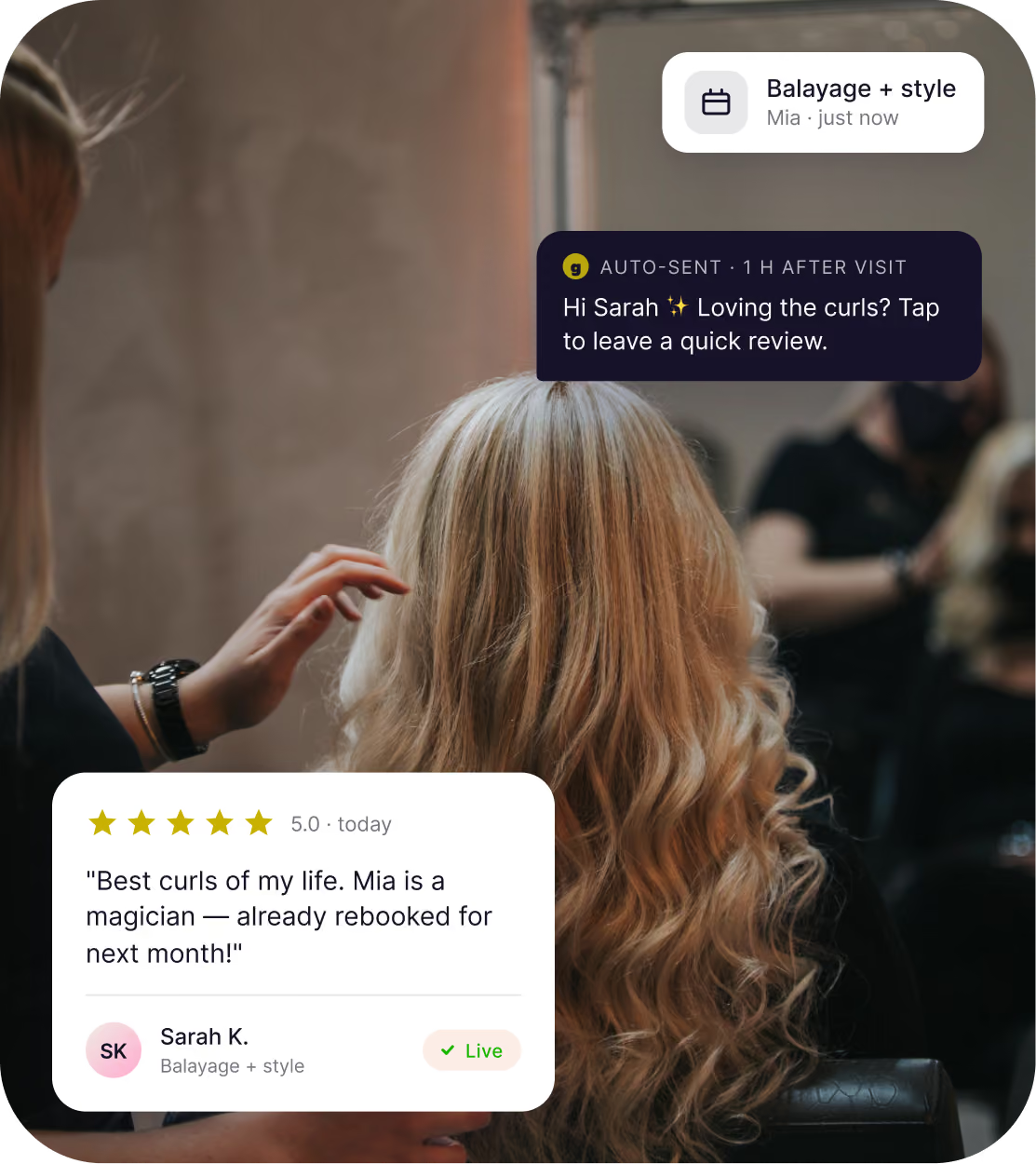
Automated review requests
From chair to 5 stars

After every appointment, Goldie invites your clients to leave a review. No follow-up, no awkward asks.
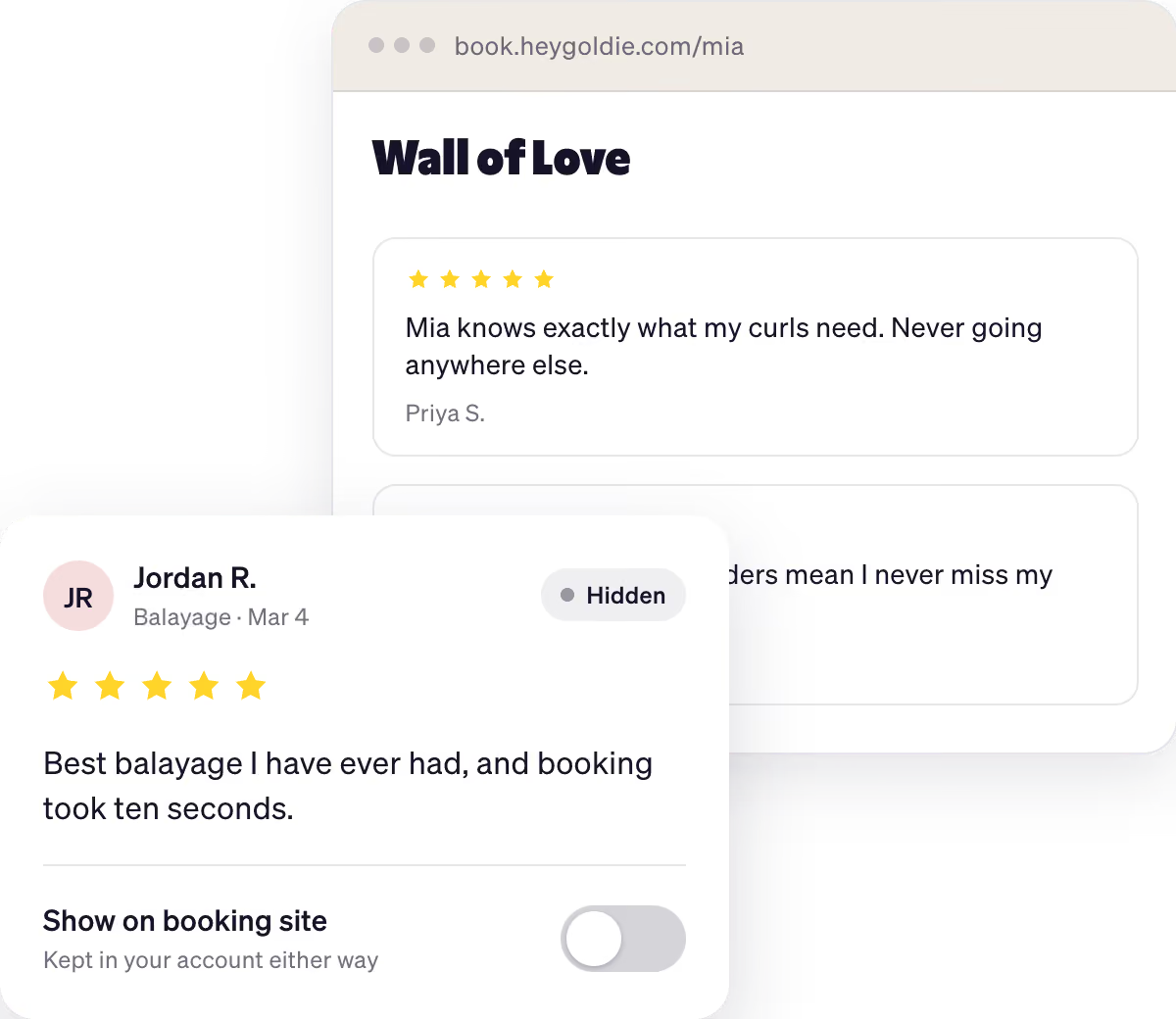
You're in charge
Your reputation stays yours

Reviews come to you first. You decide what goes up and what doesn't — no surprises, ever.
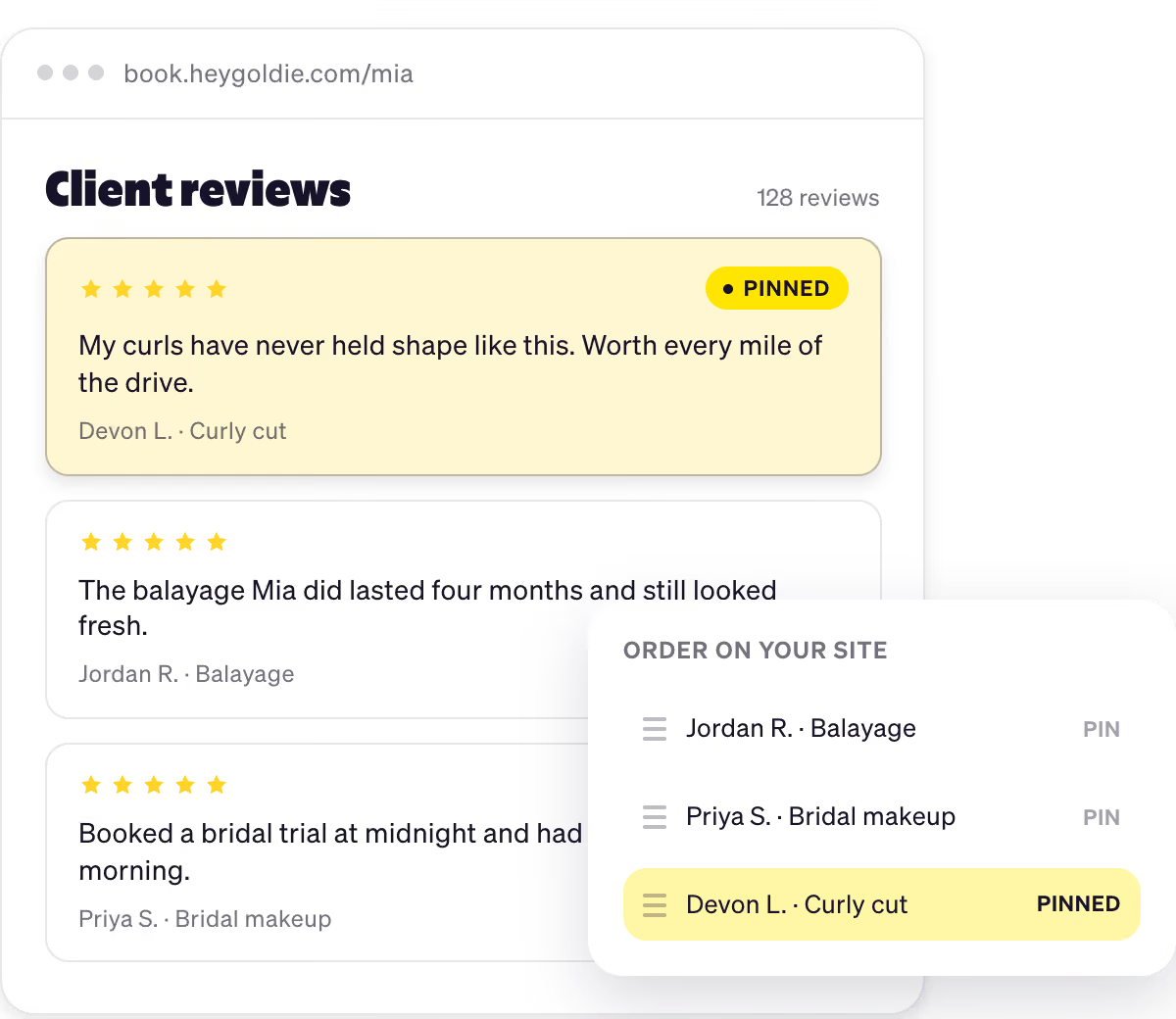
Social proof for booking
Reviews on your storefront

Reviews show up right on your Goldie booking page. New clients see real stars and real comments before they pick a time slot, and book faster because of it.
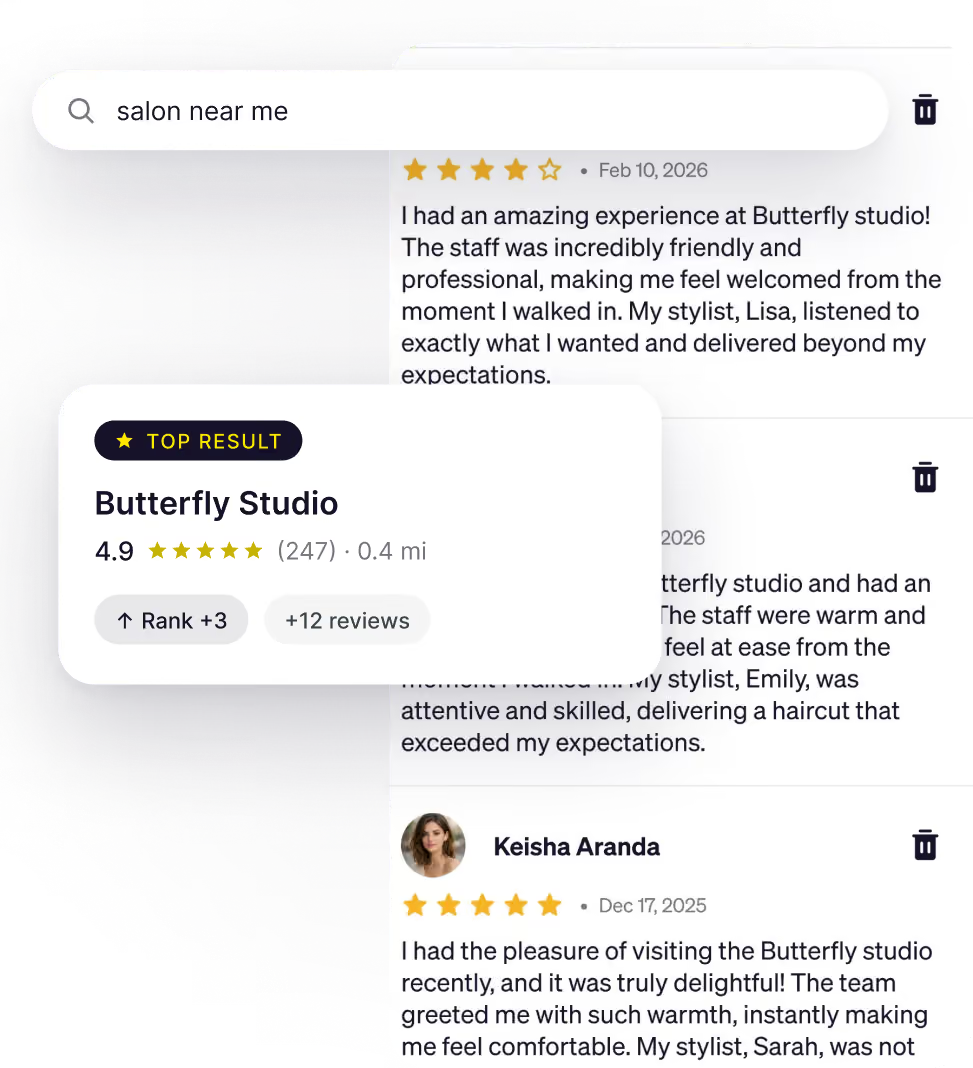
Google Reviews integration
Show up where they search

Connect your Google Business Profile and let every new review compound your local search ranking.

Share to social media
Reviews ready to post

Tap any 5-star review to share it straight to Instagram, Facebook, orTikTok. Two-tap social proof.


Pros ❤️ Goldie
Online booking and reviews have brought in more bookings. Goldie is a game-changer!
Maria
Hairstylist at Bloom Studio
I love that I can approveevery review before itgoes live. Nothingposts to my page that Ihaven't seen first.
Becky
Esthetician at Waxing By B
Online booking and reviews have brought in more bookings. Goldie is a game-changer!
Maria
Hairstylist at Bloom Studio
I love that I can approveevery review before itgoes live. Nothingposts to my page that Ihaven't seen first.
Becky
Esthetician at Waxing By B
Capterra
GetApp
Capterra
Play Store
Software Advice
Play Store
Support
FAQs
How do I get more 5-star reviews for my salon?
Icon
Salons that send a review request after every appointment see 2 to 3 times more reviews than those that don't. Goldie emails your client one hour after each appointment, you approve the review, and it shows up on your booking site automatically. Pair that with a connected Google Business Profile and your 5-star Google reviews compound your local search ranking at the same time.
How should I respond to a negative salon review?
Icon
Reply publicly, briefly, and within 24 hours. Thank the client for the feedback, acknowledge their experience without admitting fault, and offer to make it right offline. Never argue, defend, or blame the client. Future clients will read your response more carefully than the original review, and a calm, professional reply often does more for your reputation than the bad review ever hurt it. According to industry research, 80% of clients say how you respond to a negative review changes whether they will book with you.
Why are Google reviews important for salons?
Icon
Google reviews are the single biggest signal Google uses to rank local businesses in Maps and search results. The more recent, high-rated reviews you have, the higher you show up when someone searches for a salon near them. They also drive booking decisions: 78% of clients check reviews before booking, and nearly half won't consider a salon rated below 4.5 stars. For an independent beauty pro, your Google reviews are your storefront, your portfolio, and your local SEO strategy all at once.
Can I remove a fake or unfair review on Google?
Icon
You can flag a review for removal, but Google only removes reviews that violate its content policies - like spam, conflicts of interest, hate speech, or reviews from someone who was never a real customer. A review that's simply unflattering or unfair won't be removed. To flag one, open your Google Business Profile, find the review, tap the three dots, and select Flag as inappropriate. Google typically takes 5 to 10 business days to respond. The faster long-term fix is collecting more positive reviews to push the bad one further down the list.
Where do my salon's reviews show up after a client leaves them?
Icon
Reviews left through Goldie show up in three places. First, on your Goldie online booking site, where every new client sees them before choosing a time slot. Second, if you've connected your Google Business Profile (available on Pro Plus), they flow into your Google reviews and appear on Google Search and Google Maps when someone looks up your salon. Lastly, you have the option to share them directly on social media. You moderate everything from your phone, so nothing goes live without your approval.
The word 'Goldie' in large, bold, yellow stylized text on a transparent background.