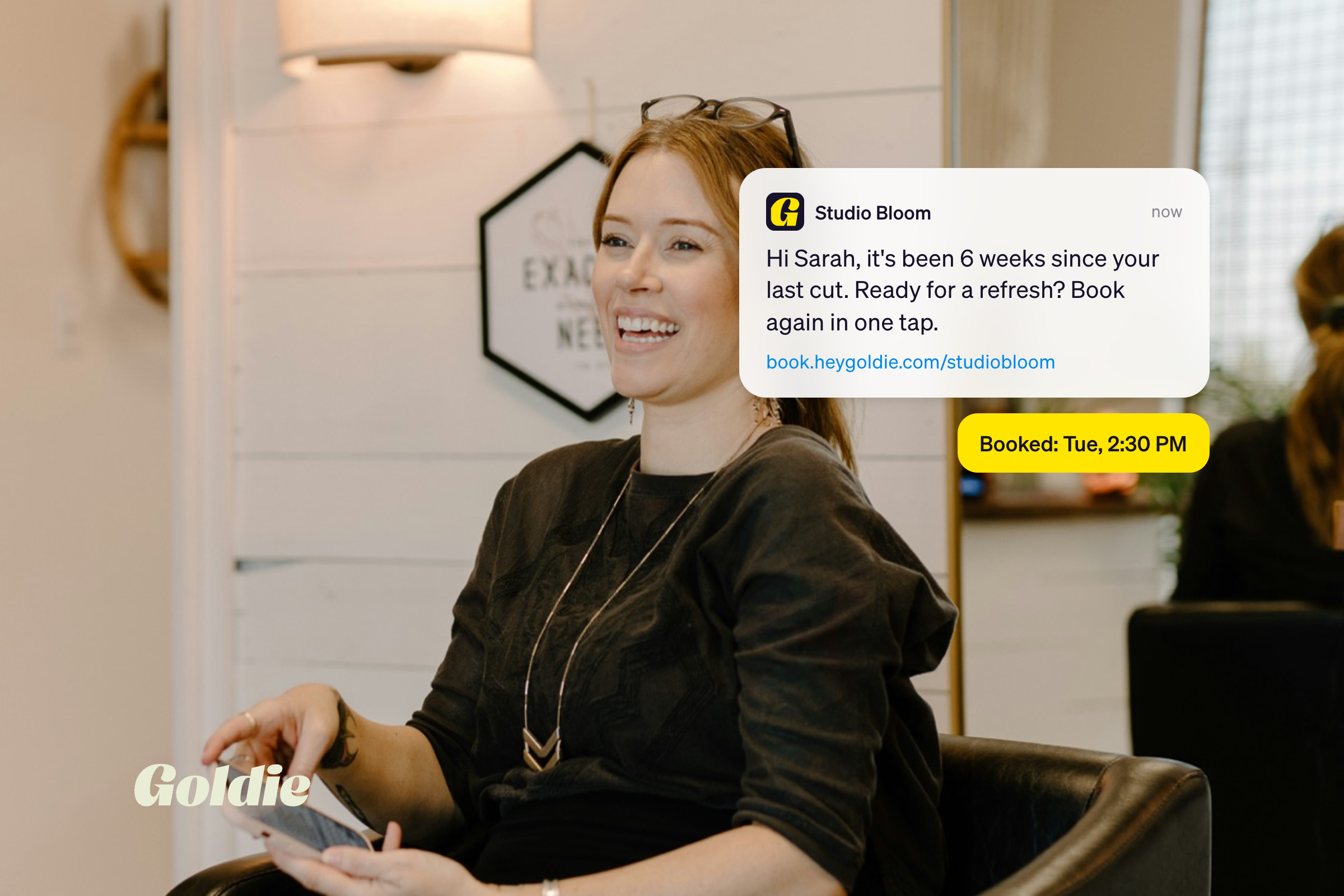
Is your salon open on Christmas Eve? What about the Friday after Thanksgiving? If you don't tell your clients, most will assume your regular hours. That's how you end up with confused calls and someone knocking on a locked door.
A clear holiday hours message fixes that in one text: when you're closed, when you're back, and how to book before the rush. No more "are you open tomorrow?" texts mid-balayage.
In this article, you’ll find 12 copy-ready templates.
Send the first message two to three weeks before your first closed day, then a reminder two or three days before. Early planners get time to book, and last-minute bookers still see it in time.
One text gets buried fast in December, so plan your holiday messages early, ideally while you prepare your salon for the Christmas season.
Every salon holiday closure message needs four things: the dates you're closed, the date you reopen, one way to book or reach you, and a short thank you.
Professional or playful? Match the tone your clients already know. Same news, two voices:
Either way, the dates come first.
Not sure how to say you'll be closed? Name the holiday, the date and when you're back: "We're closed Thursday, Nov 26 for Thanksgiving and back Friday at 9 AM." That one sentence does most of the work.
Swap in your own dates and hours, and every holiday hours text template below is ready to go. Each one uses your business name plus a booking link or phone number.
1. All closed dates at once
"Hi from [Business Name]! Our holiday hours are set: closed Nov 26, Dec 25 and Jan 1. Holiday spots go fast, so grab yours now: [Booking Link]"
2. Heads-up with a thank you
"Thank you for a great year with [Business Name]. We're closed Dec 24 to Jan 1 so our team can rest. Book before or after the break: [Booking Link]"
3. Thanksgiving
"[Business Name] is closed Thursday, Nov 26 for Thanksgiving. We're back Friday at 9 AM. Need a fresh look for the long weekend? Book here: [Booking Link]"
4. Christmas Day
"Merry Christmas from [Business Name]! We're closed Dec 25 so our team can be with family. We're back Dec 26 at 10 AM. Questions? Call [Phone]"
5. New Year's Day
"Happy New Year from [Business Name]! We're closed Jan 1 and back on Jan 2. Start 2027 with a fresh look: [Booking Link]"
6. Christmas Eve
"Quick note from [Business Name]: on Christmas Eve we close early at 2 PM. Morning spots are still open if you want holiday hair: [Booking Link]"
7. New Year's Eve
"[Business Name] holiday hours: Dec 31 we're open 9 AM to 3 PM, closed Jan 1. Want to look great at midnight? Book a morning slot: [Booking Link]"
8. Late appointments
"Good news! [Business Name] is open until 8 PM from Dec 15 to 23, so you can fit in a holiday appointment after work. Book here: [Booking Link]"
9. Final spots
"Last call! Only a few December spots left at [Business Name] before we close for the holidays. Grab yours here: [Booking Link]"
10. Waitlist offer
"Our December calendar is almost full. Don't see a time that works? Call [Phone] and we'll add you to our waitlist. Thank you! [Business Name]"
Only send a last-call text when your calendar really is filling up. Clients notice fake urgency, and there are better ways to increase your salon Christmas bookings.
11. Winter break
"[Business Name] is closed Dec 24 to Jan 4 for a winter break. Online booking stays open, so you can lock in your first 2027 visit now: [Booking Link]"
12. We're back
"We're back! [Business Name] reopens Jan 5 with fresh January openings. Book your first appointment of the year: [Booking Link]"
Closing for a week or more? Add gift cards to your salon holiday closure message on email or social. A client who can't get in before Christmas can still buy one as a present, so your break doesn't have to mean zero sales.
A text reaches your regulars, but plenty of clients check social first. Pew Research Center found 71% of U.S. adults use Facebook and half use Instagram, so your hours should match everywhere.
Google lets you set special hours for holidays for closures of up to six days in a row. For a longer winter break, check Google's temporary closure option instead.
For voicemail, keep it this simple: "Thanks for calling [Business Name]. We're closed Dec 25 and back Dec 26 at 10 AM. You can book online anytime. Happy holidays!"
Your calendar has to know you're off before clients do. Otherwise someone reads "we're closed Dec 25" and books it online anyway.
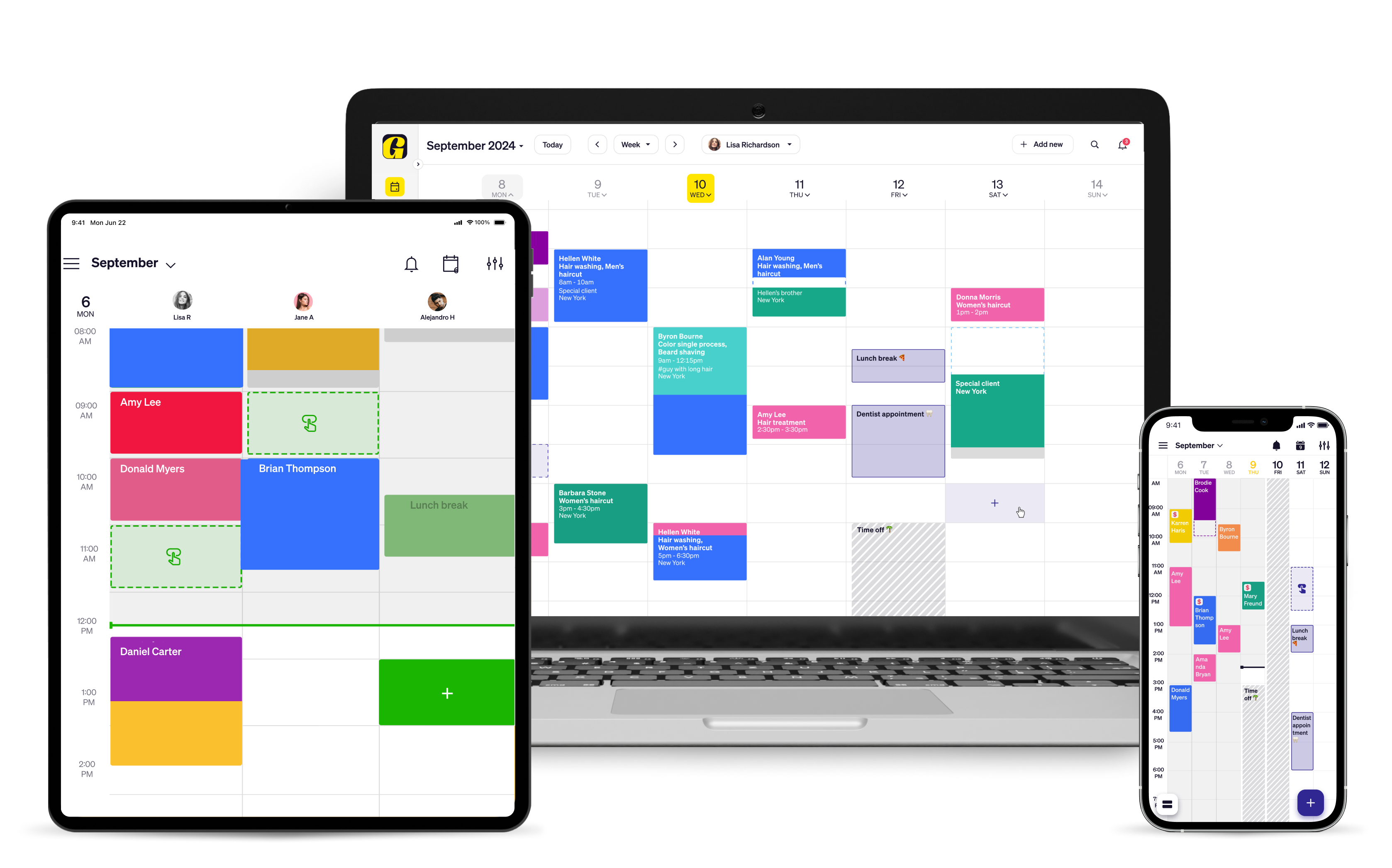
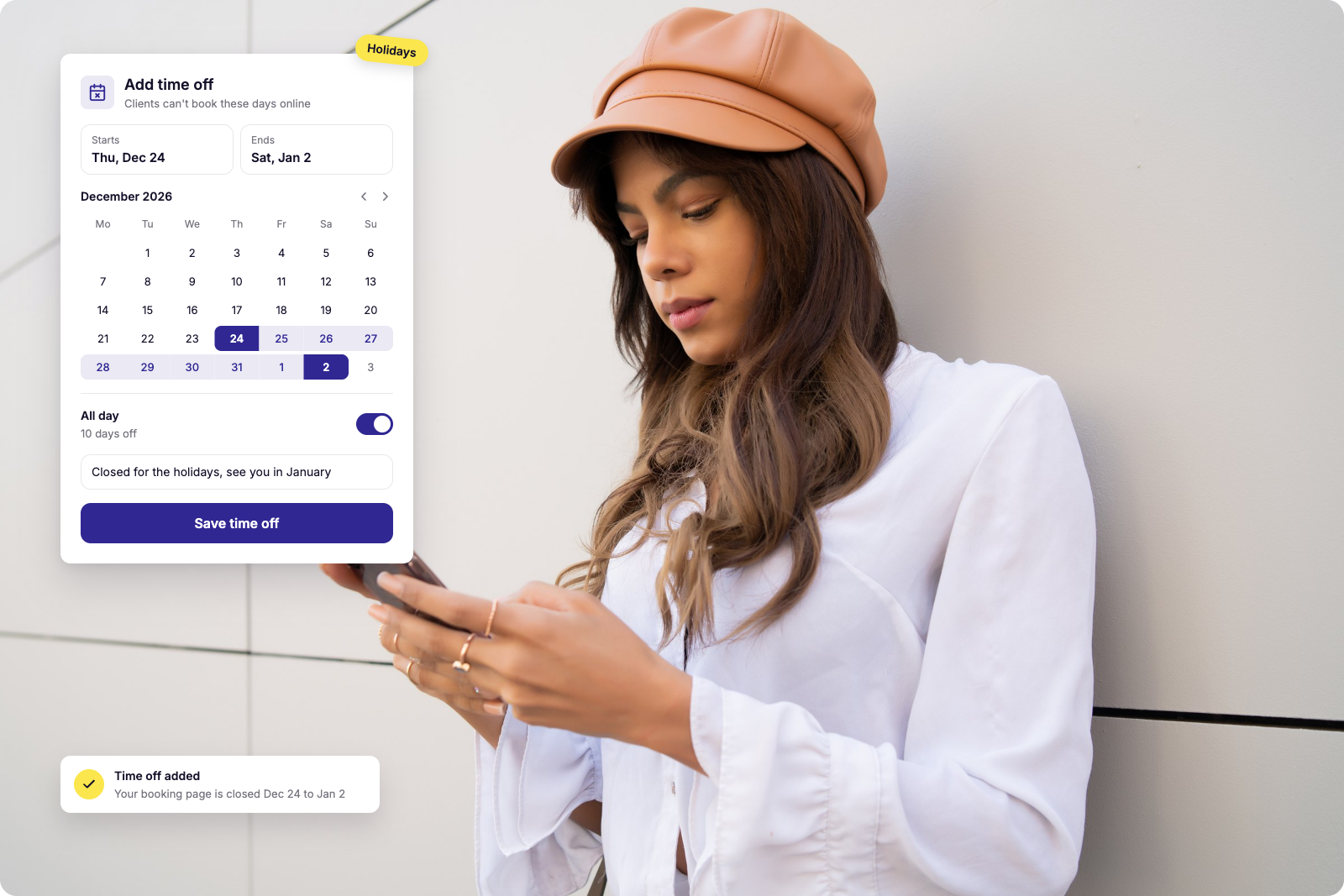
In Goldie, add a Time Off block for each holiday and those days disappear from your online booking page. Then write your holiday hours message in the marketing section, choose who gets it, and you're done. One tip: right after a client books, ask if they'd like your marketing texts. They'll be first to hear about openings and offers, and your messages land as welcome news.
Holiday weeks are the easiest to mess up with a vague "closed for a few days" post. Pick the templates that fit your schedule, block your dates, and send your first text from Goldie's text marketing tools. One clear message now means fewer locked-door surprises and a full calendar before your well-deserved break.