Most POS advice online is written for boutiques and coffee shops. But you don't scan barcodes all day. You sell gel sets, acrylic fills, and chrome add-ons, and your sale starts the moment a client books, not when they walk up to pay.
That's why the best POS system for nail salons looks different from a regular register. It has to know who's in your chair, what they booked, whether they paid a deposit, and how they want to tip.
This guide covers what nail salon POS software should handle in 2026, what it really costs, and how to pick a setup that fits your space.
The best POS system for nail salons connects booking, payments, and client management in one place. If it only processes cards, you'll still be juggling a calendar, a notes app, and a register.
Here's what to look for, whether you work solo or run a team:
Bigger shops should add commissions, tip splitting, and turn rotation to that list, and ask about them directly.
Client records are where a booking-based POS really earns its keep. Good notes tell you a client's go-to shape and length, the colors and designs they come back for, the nail art add-ons they booked last time, and any products they'd rather avoid. Pair that with visit history, and you know exactly when to suggest the next fill.
When your POS lives inside your booking calendar, the appointment becomes the ticket. You don't have to enter the booked services again.
Picture a regular Saturday. A client booked a full set with French tips and two accent nails. With a standalone register, you punch in each service, check for a deposit, and hope you didn't forget the nail art.
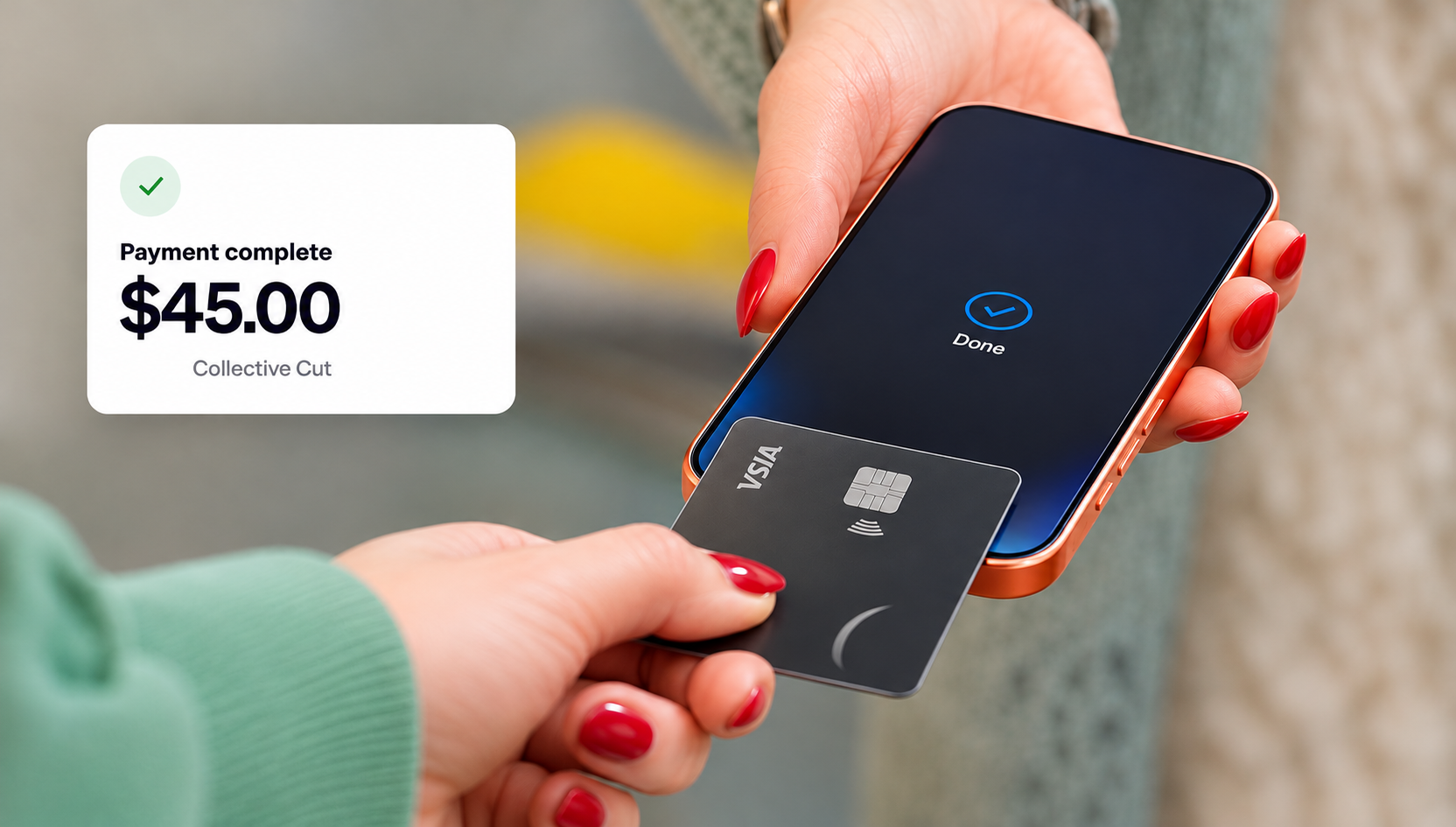
In Goldie, checkout starts from the appointment itself. Once the top coat is cured, you open the booking and everything's already there: the full set, the French tips, the two accent nails, and the deposit they paid last week. The client taps their card or phone, adds a tip, and you book their next fill before they've grabbed their keys.
You can also add products like cuticle oil to the same checkout, and Goldie can track your stock so you know when to reorder.
In Goldie, you add a walk-in to the calendar and check them out like any booked client. But if your salon runs on walk-ins all day, you might also need a waiting queue, estimated wait times, and fair turn rotation between techs. Those are queue management features, so check for them separately.

Goldie's salon tipping data shows average recorded tips of 12.1% for card reader payments, 9.9% for Tap to Pay, and 4.3% for cash. These figures don't prove that the payment method causes higher tips. But they show why your checkout experience is worth a closer look.
Tipping also works differently on each card reader. On the S700, clients see the total on the reader's screen, pick their tip, and pay, all without you saying a word. With the M2, the tip goes through the Goldie app on your phone.
We've seen the S700's client-facing screen lead to higher tips than the M2. Letting clients choose on their own screen makes the moment feel more private and a lot less awkward for both of you.
Your nail salon point of sale can be your phone, a small reader, or a countertop terminal. The right pick depends on where you work and how much of your income comes from tips.
Tap to Pay turns a compatible iPhone or Android phone into a contactless terminal, so there's nothing extra to carry, charge, or lose in your kit.
Either way, you need to take cards. A Pew Research Center analysis of Federal Reserve data found that 78% of people prefer paying by card in person, while 16% prefer cash. So the real question isn't whether to take cards, but which card reader fits your salon best.
Deposits and card capture are the part of your POS that works before the client shows up. They matter most for long services, because a two hour acrylic set with art blocks out a big chunk of your day.
In Goldie, No-Show Protection gives you two ways to protect that time.
Clients pay part of the service when they book online, a percentage or a fixed amount you choose. By checkout, it's already taken off their total.
Clients add a card when they book but pay nothing upfront. If they ghost you or cancel last minute, you can charge the cancellation fee you set in your policy.
Clients also pay a small $1.20 booking fee on eligible online bookings, so it doesn't come out of your earnings.
Deposits suit new clients and long sets. Card capture feels friendlier for regulars you already trust, and the right pick often comes down to which one cuts no-shows faster for your clients.
Nail salon POS software costs come from three places: a monthly subscription, a processing fee on each card payment, and hardware.
Look past the monthly price. Check whether the software caps your appointments, charges extra for reminders or deposits, or locks you into a hardware lease. Cheap software that limits your bookings stops being cheap the week you get busy.
If you do 20 sets a week at $60 each, that's $1,200 in card payments. At 2.5% + $0.30, you'd pay about $36 a week in processing, on top of your subscription. Add $60 if you want the M2 reader.
If you'd rather that fee didn't come out of your earnings, you can pass it on, so clients pay a 3.5% + $0.30 platform fee instead. Just check the rules where you work first, because they change from state to state.
The right POS for nail techs depends on how you work. Here's which setup makes sense for different nail businesses:
The best nail salon POS is one that's built into your booking calendar, protects you from no-shows, and makes tipping easy at checkout. Teams should also look at staff calendars and reports.
Expect three costs: a monthly subscription, processing fees on card payments taken through Goldie, and sometimes hardware. In Goldie, card processing starts at 2.5% + $0.30, the M2 reader costs $60, and Tap to Pay needs no reader at all.
Yes, nail techs can take card payments without a card reader. Tap to Pay turns a compatible iPhone or Android phone into a contactless terminal, so clients just tap a card, Apple Pay, or Google Pay on the phone. It's the simplest POS for nail techs who work mobile or don't want extra hardware.
Yes, a nail salon POS can manage both walk-ins and appointments when it's built into your booking calendar. Walk-ins go on the calendar like any other client, so everyone checks out the same way. If you also need a waiting queue or turn rotation between techs, check for those separately, since not every POS includes them.
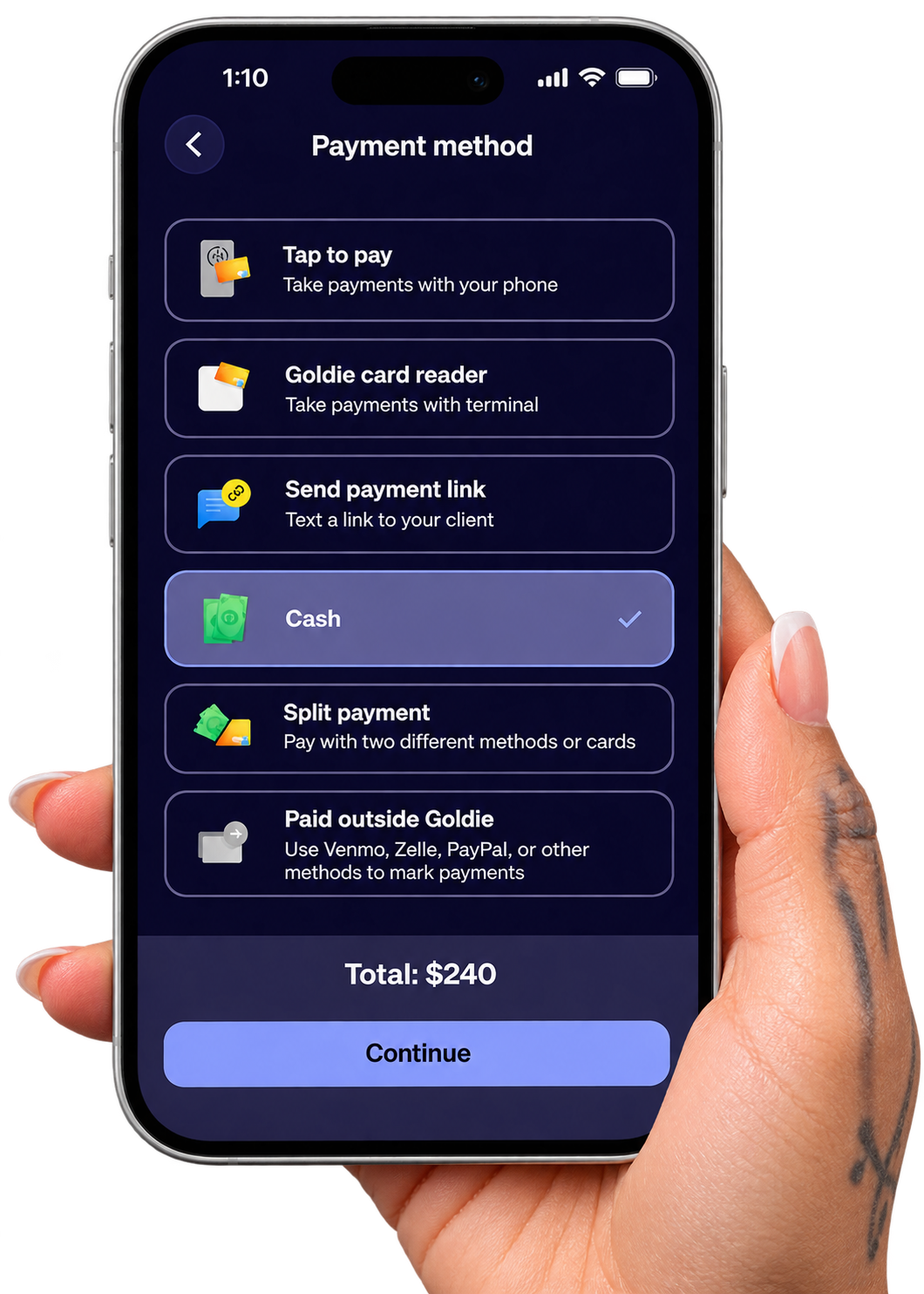
Pick the checkout that fits your space, turn on No-Show Protection for long services, and give clients an easy way to tip. You can set it all up with Goldie Payments.
With the right setup, you can spend less time handling payments, protect your most valuable appointments, and give every client an easier way to tip!