Most nail techs treat AI like it is something to be suspicious of, or something that belongs to tech people in another industry. Fair. A lot of the AI hype has nothing to do with you. Nobody doing a structured gel set needs a chatbot pretending to be a co-founder.
But quietly, while the rest of the internet argues about it, AI has become genuinely useful for the unglamorous half of running a nail business. It now does the parts of your week that have nothing to do with nails: filling your calendar, replying to predictable DMs, drafting captions, generating design mockups, surfacing trends before your clients ask about them. The good news is you do not need to learn anything technical, and you do not need to bolt together ten apps. You need a small, deliberate stack of tools that match how you actually work. Here are the ones worth your attention, organized by the four jobs they do best.
AI handles the admin tail of your day so you can keep your hands on the brush. For a solo nail tech, that means four jobs: filling your calendar, replying to clients, making content, and spotting trends. None of those things require your artistry. All of them eat your evenings.
Solo beauty pros spend a serious chunk of every week on non-billable admin: messaging clients, posting on social, chasing deposits, rebooking, editing photos. [VERIFY: stat on admin hours per week for solo beauty pros, source like Phorest State of the Industry or IBISWorld]. AI does not replace the artistry. It replaces the parts of the job you never trained for and never wanted.
Here's how the categories break down, and which tools actually earn a spot in a solo nail tech's stack.
Booking AI fills your calendar without you touching your phone. It shows clients your real availability, holds the slot with a deposit, sends reminders, and reschedules no-shows automatically. This is the layer everything else sits on top of, and it is the highest-leverage AI a nail tech can adopt.
A modern booking page does more than show a calendar. It suggests slots based on service duration, prevents the dreaded 30-minute gap between a full set and a fill, and lets you set buffer time so you are not running into your next client. The Goldie online booking page is built around this, with the link designed to live in your Instagram bio and look like part of your brand rather than a generic scheduler. Plus, Goldie’s AI marketer writes service descriptions for you, so clients can see what you’re offering when they book online.
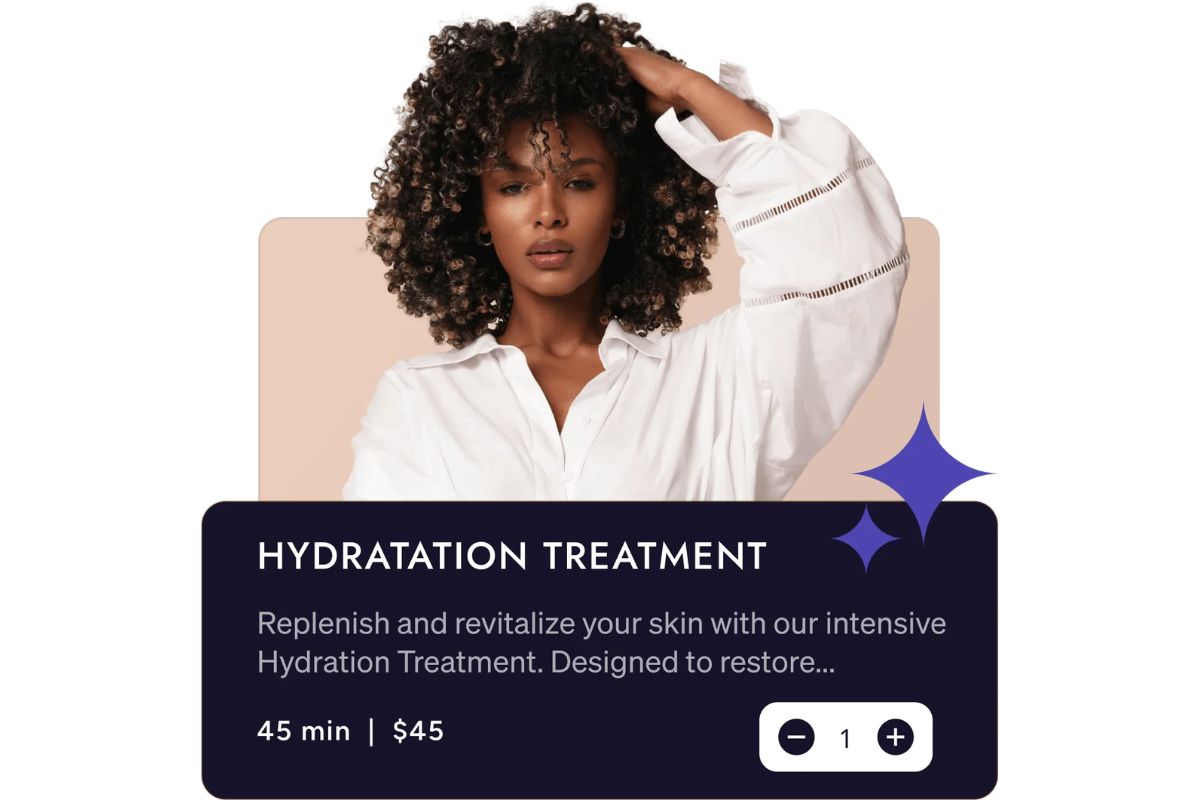
No-shows are the most expensive thing in a solo nail tech's week. According to industry data, no-show rates in the beauty industry sit around 10 to 15% for businesses without deposit policies. Taking a deposit at booking is the single setting that moves the needle most. Pair it with automated text reminders 24 hours before the appointment and the no-show rate drops to something you can actually plan around.
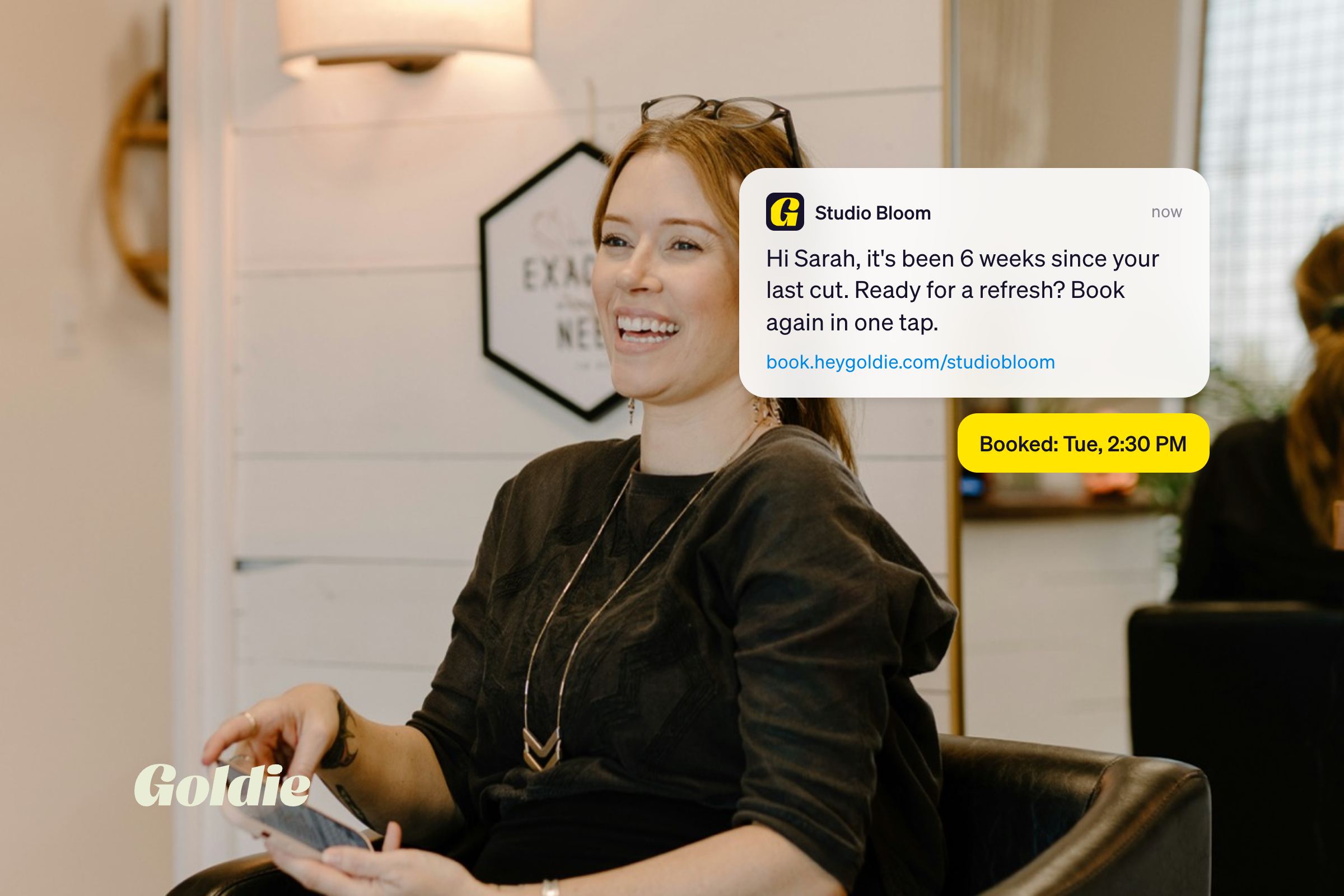
This is the newest layer and the most underrated. An AI receptionist reads your incoming DMs and texts, answers the predictable questions (pricing, availability, deposit policy, your address), and sends the client straight to your booking link. The Goldie AI Receptionist does this inside the same app that runs your calendar, so it actually knows when you have an opening.
Picture a Sunday night. You are on the couch. Twelve DMs come in asking if you have anything next week. Without AI, that is an hour of typing the same answer in different ways. With it, every client gets a reply within two minutes and three of them book themselves before you finish your show.

AI in communication means using tools to draft, polish, and speed up the messages you would have sent anyway. The goal is not to sound robotic. It is to stop spending 20 minutes wording a "sorry, I'm fully booked this week" reply.
ChatGPT is the easiest entry point. You give it your tone (direct, warm, a little spicy) and a handful of common scenarios, and it drafts template replies you can paste into Instagram or text. Good prompts to save:
The trick is feeding ChatGPT examples of how you actually write. Drop in five of your real replies and tell it to match the voice. Otherwise you get the AI default, which reads like a customer service bot.
For follow-ups after the appointment, automated rebooking reminders handle the boring half: nudging a client two weeks after her fill to book her next one. Bookings that come from a well-timed reminder text are some of the easiest revenue you will ever earn, especially compared to chasing cold leads on social.
Content AI turns one appointment into a week of posts. The same set you did this morning becomes a Reel, a carousel, three captions, and a Pinterest pin, without you sitting at a laptop on your day off.
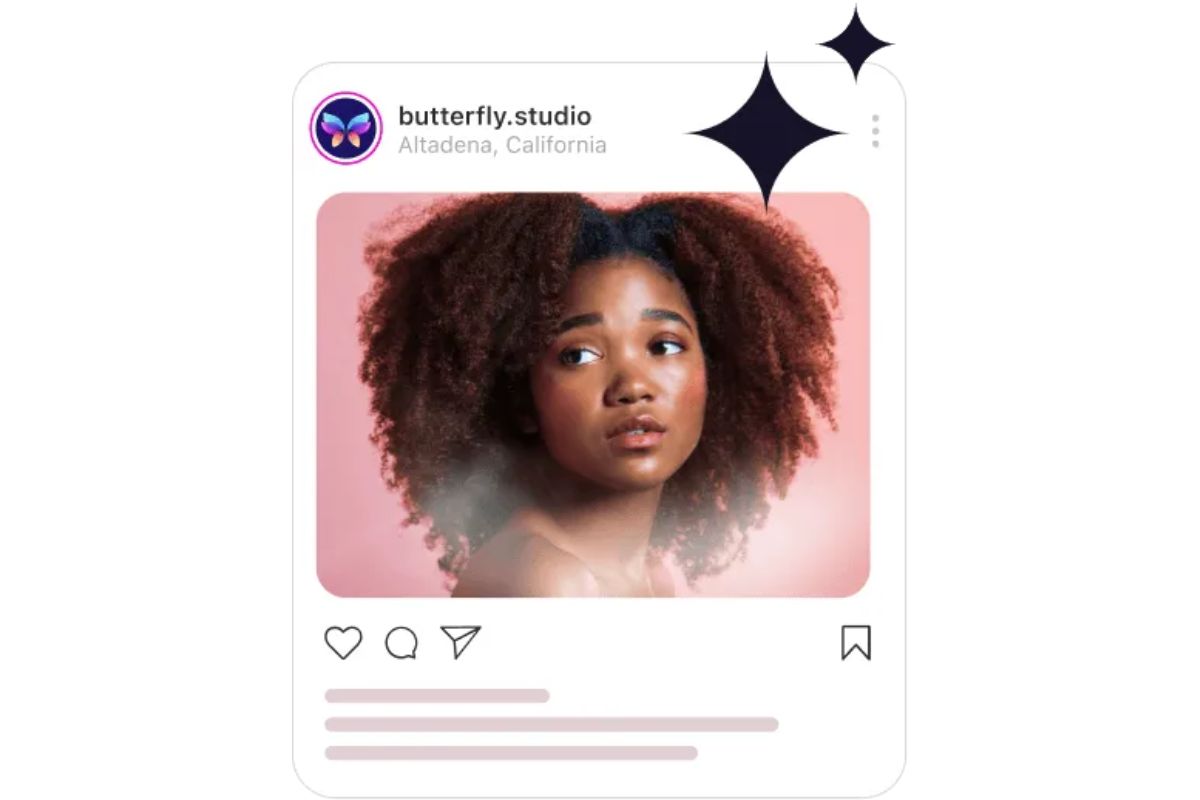
Goldie writes captions in seconds if you give it an image of your work. Just upload a photo in Goldie's social media AI marketer, and ask it to generate a caption. After that, you're ready to share it on social media just by tapping a button.
Canva is where most solo nail techs start. The Magic Edit tool cleans up backgrounds in your nail photos, the Magic Design feature builds before-and-after layouts in a few clicks, and the brand kit feature locks in your colors so every post looks like yours. For a one-person operation, it is the closest thing to having a graphic designer on payroll.
Image generators (inside Canva or standalone) also let you mock up nail designs before a client sits down. She sends inspiration, you generate three variations on the theme, she picks her favorite. Less guessing during the appointment, fewer redoes.
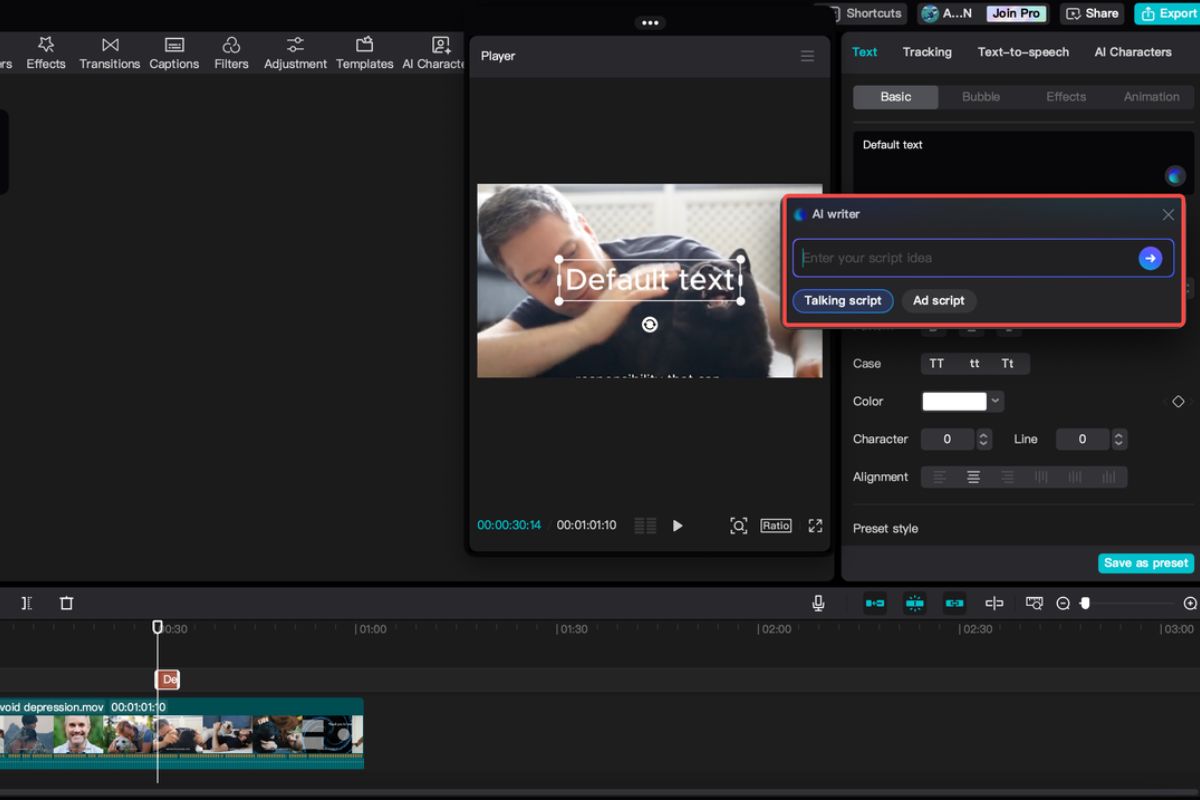
CapCut is the editor most nail content creators use. The AI features inside it (auto-captions, beat-syncing, background removal, voice-overs) cut the time it takes to make a Reel from 40 minutes to about 5. Film once during a client, edit between appointments, schedule the post for peak hours.
Take one full set. Film it as a process video. CapCut splits it into a 30-second Reel, a 15-second teaser, and a before-and-after. Canva pulls a still for a carousel. ChatGPT writes the captions. That is four posts from one appointment, and you did the "work" once.
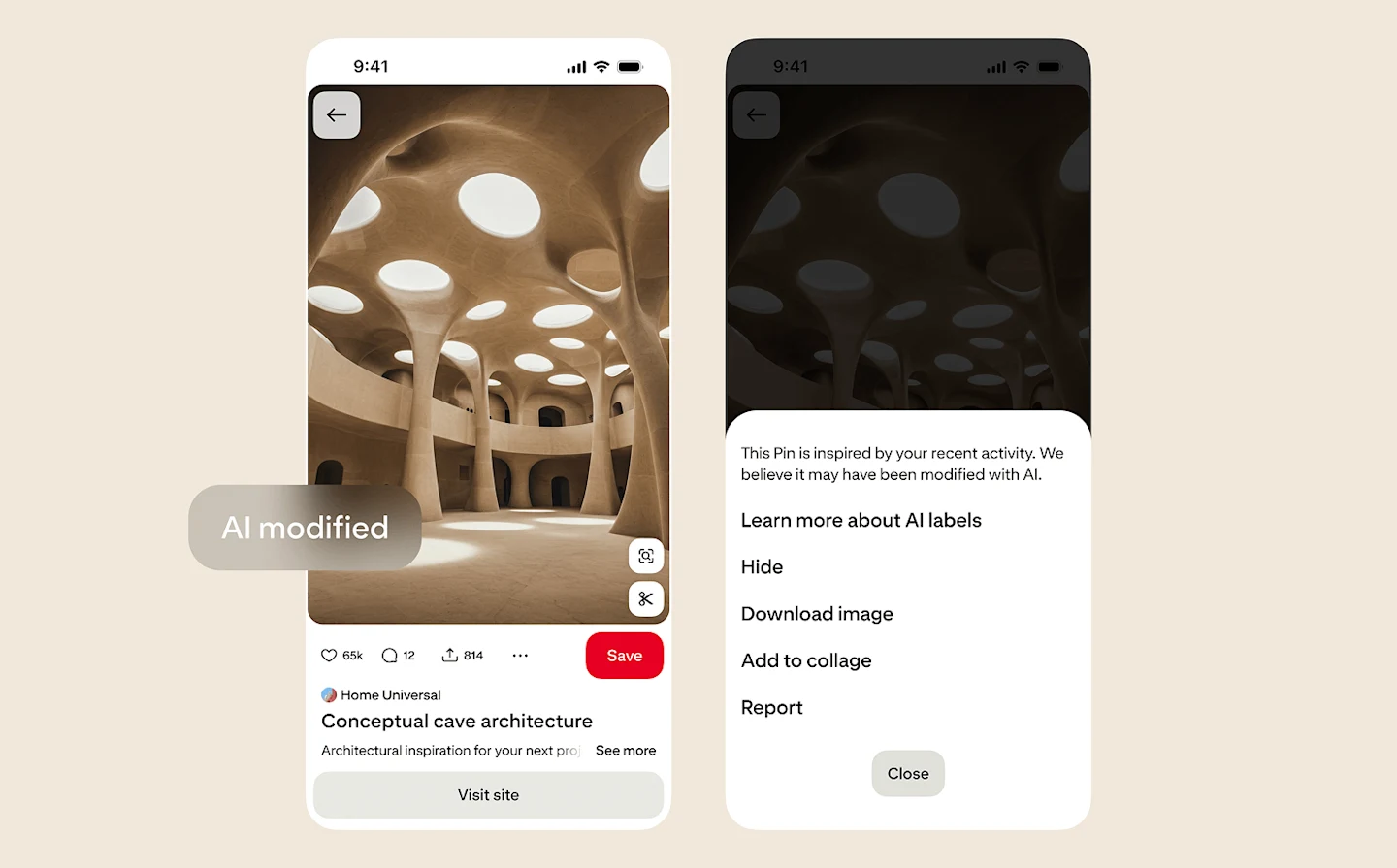
AI helps you stay ahead of trends instead of always playing catch-up. Instead of scrolling Pinterest for an hour at midnight, you can ask an AI to summarize what is rising in nail design and surface looks you may not have seen.
Pinterest Predicts is the most reliable trend forecast in the beauty and nail space, and the platform's own search trends data is gold for spotting what your clients are about to ask for. Cross-reference that with a ChatGPT prompt like "summarize the top nail trends rising on TikTok and Pinterest this quarter, with examples" and you have a research brief in 30 seconds.
For client consultations, AI image generators let you mock up custom designs before the appointment. A client sends a saved Pin. You generate three variations using her nail shape, her preferred palette, and your signature style. She picks. You both walk in confident. Fewer "this isn't quite what I pictured" moments, fewer reworks.
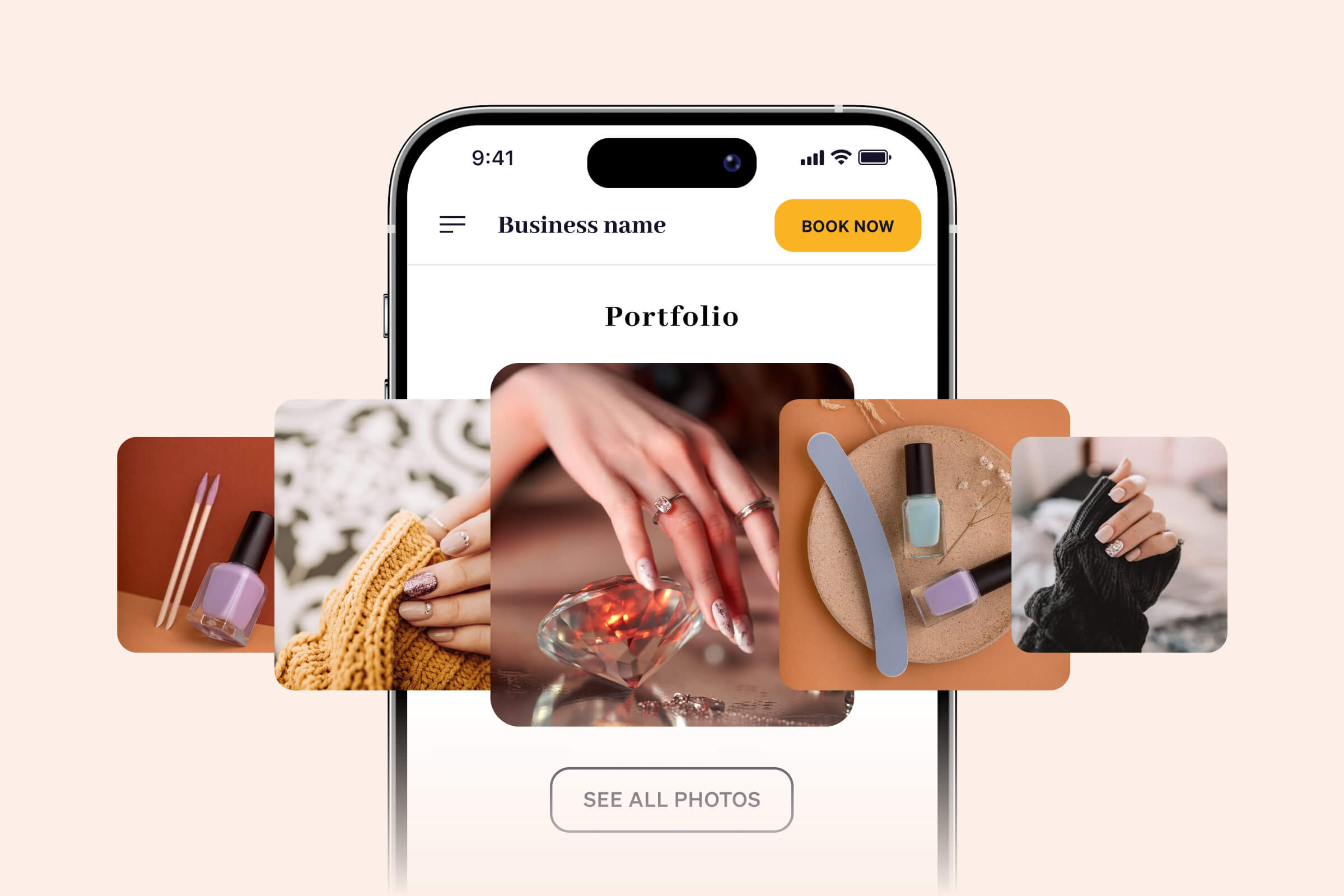
The right order matters. Most pros try to start with content AI because it is the most visible, but content AI without booking automation just gets you more DMs you cannot answer. Build the stack in this order:
🟢 Booking and payments first. Get your booking page, deposits, and reminders working. This is the layer that pays for itself fastest. Goldie for nail artists handles all three in one app, which matters when you are checking everything from your phone between clients.
🟢 Communication second. Add an AI receptionist for DMs, then save a folder of ChatGPT prompts for the messages you send most often.
🟢 Content third. Once your back-of-house runs itself, build a small content workflow with Canva AI and CapCut. One filming session per week, batch-edited, batch-scheduled.
Skip the one-trick AI tools. A tool that only writes captions, or only edits photos, or only sends reminders is one more login and one more subscription. Look for tools that handle a full job, not a single task.
AI for nail techs is no longer a novelty. It is a working team of one for the solo pro who cannot afford a real one. The four jobs (booking, communication, content, trend research) all have mature, affordable tools that pay for themselves in the time they hand back.
Here are the takeaways worth screenshotting:
Start with the booking and payments layer this week. Set up a real booking page, turn on deposits, and switch on automated reminders. That single move usually wins back more time than any other AI tool on the list, and it sets you up to layer the rest on top.
Your move. ✨

.webp)