Imagine finishing a full color and your client is reaching for her phone to pay. Do you hand her a little reader, tap her card on your phone, or point to a terminal at the desk? Picking the wrong setup means paying for hardware you never use, or fumbling checkout in front of someone who is already running late. The right card reader is not the one with the most features. It is the one that matches where and how you actually work.
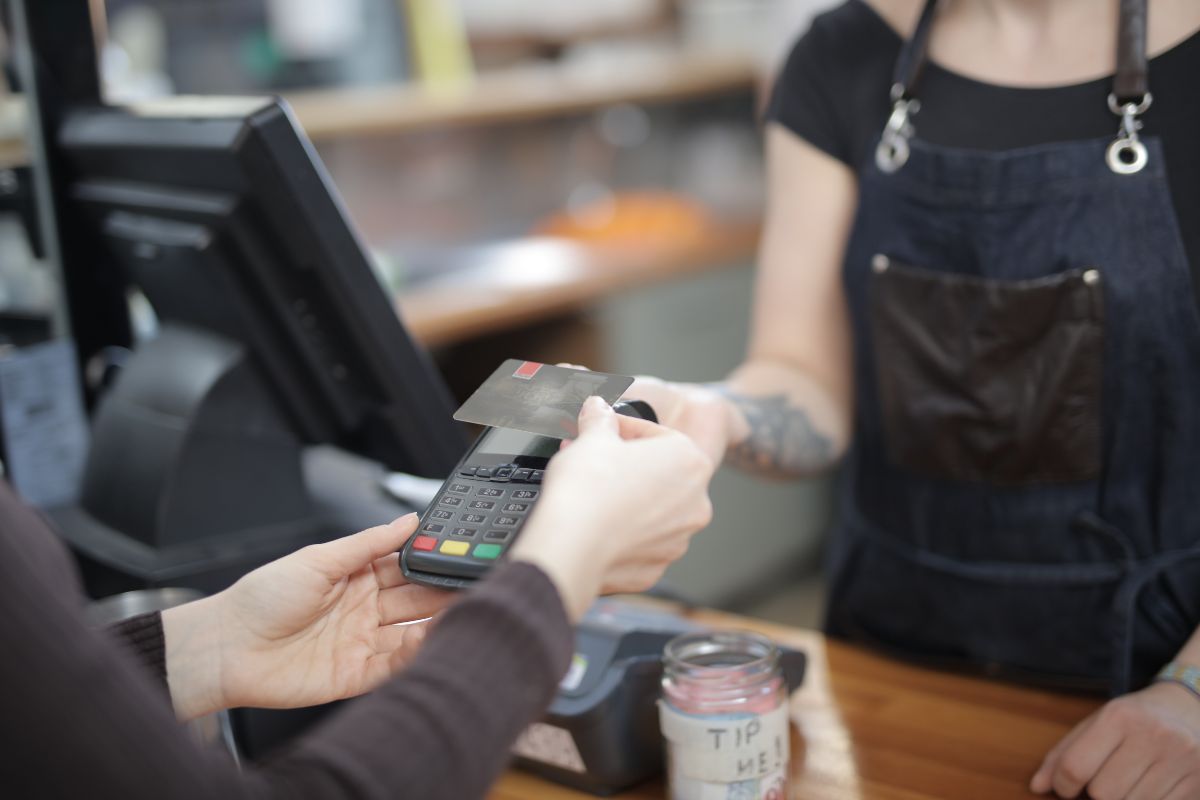
Look at where you take payment, how your clients like to pay, and who needs to see the screen. Those three answers point you to the right reader faster than any feature list. A card reader for a beauty business has one job: to take money quickly and cleanly at the moment a client is ready to pay, without making that moment awkward.
Start with how people pay now. Cash keeps shrinking. In 2024, cash made up just 14% of all consumer payments, while credit cards accounted for 35% and debit for 30%, according to the Federal Reserve's 2025 Diary of Consumer Payment Choice. Preference for paying with cash in person fell from 27% in 2016 to 16% in 2025. If your reader cannot take a tap, a chip, and a phone wallet, you are quietly turning away the way most clients now prefer to pay.
Then think about tipping. A reader that prompts for a tip on screen tends to lift what clients leave. One academic study found a digital tipping interface increased the share of customers who tipped by 38% (Kam Leung Yeung, Iowa State University, cited in Psychology Today). Worth knowing the flip side: a Pew Research Center survey found more Americans oppose (40%) than favor (24%) businesses suggesting tip amounts on a screen. So a tip prompt helps, as long as it stays optional and low pressure.
One more thing that trips people up: the reader is not the whole payment system. It sits on top of your payment processor, the service that actually moves money from your client's bank to yours. The reader is the hardware; the processor is the plumbing. If you are still sorting out that side, start with how to accept payments online before you shop for a device, because the device you pick should plug straight into it.
There are three practical types of card reader for a beauty business: Tap to Pay on your phone, a portable handheld reader, and a countertop smart terminal. Each one earns its place in a different kind of workday. Here is what each does and who it fits.
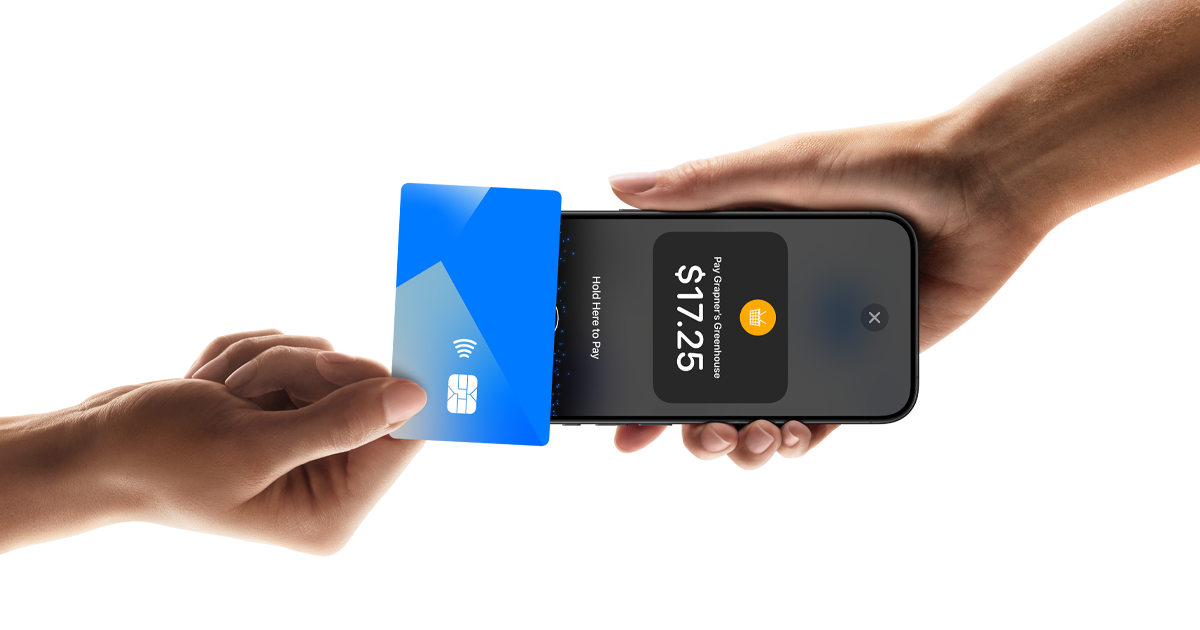
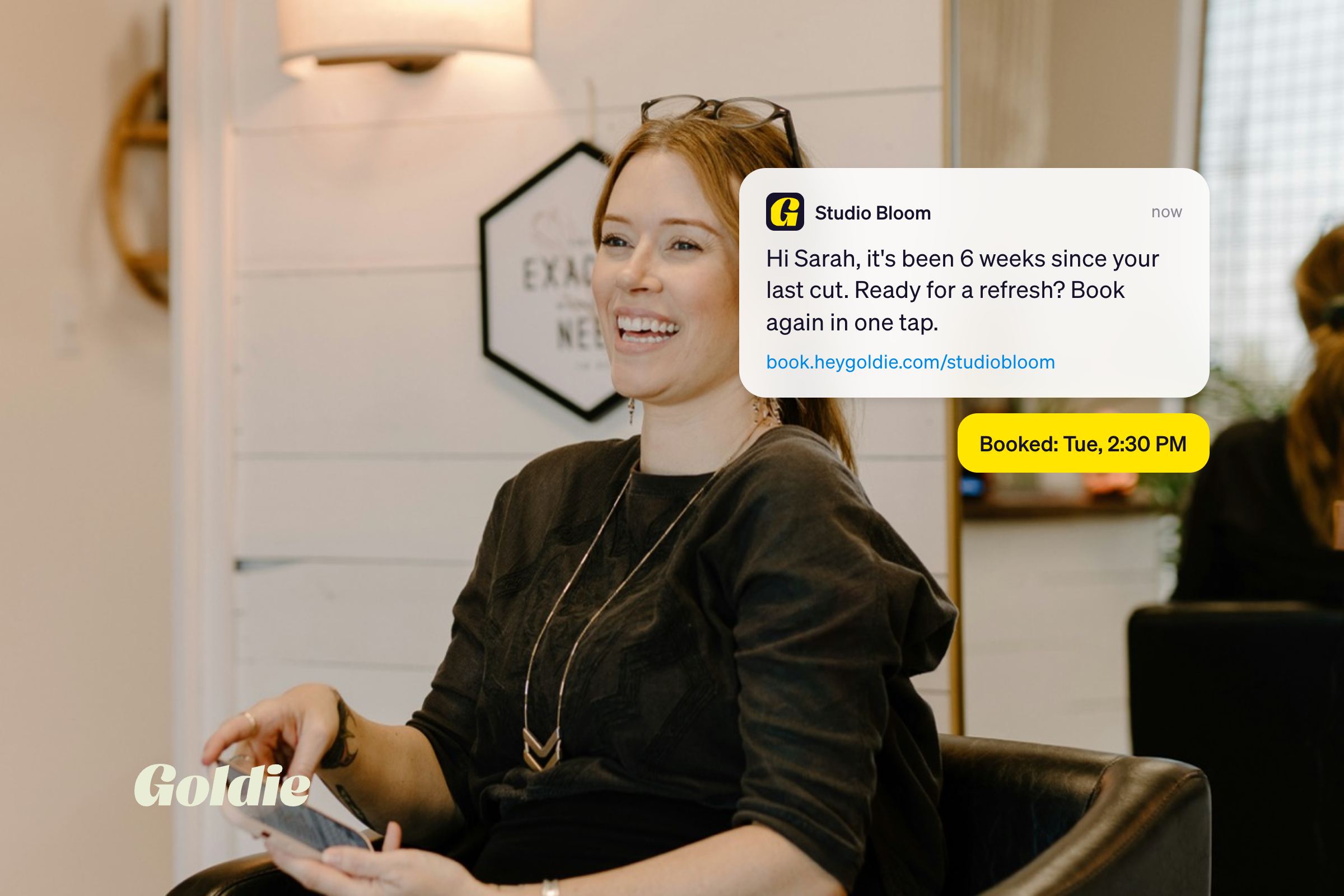
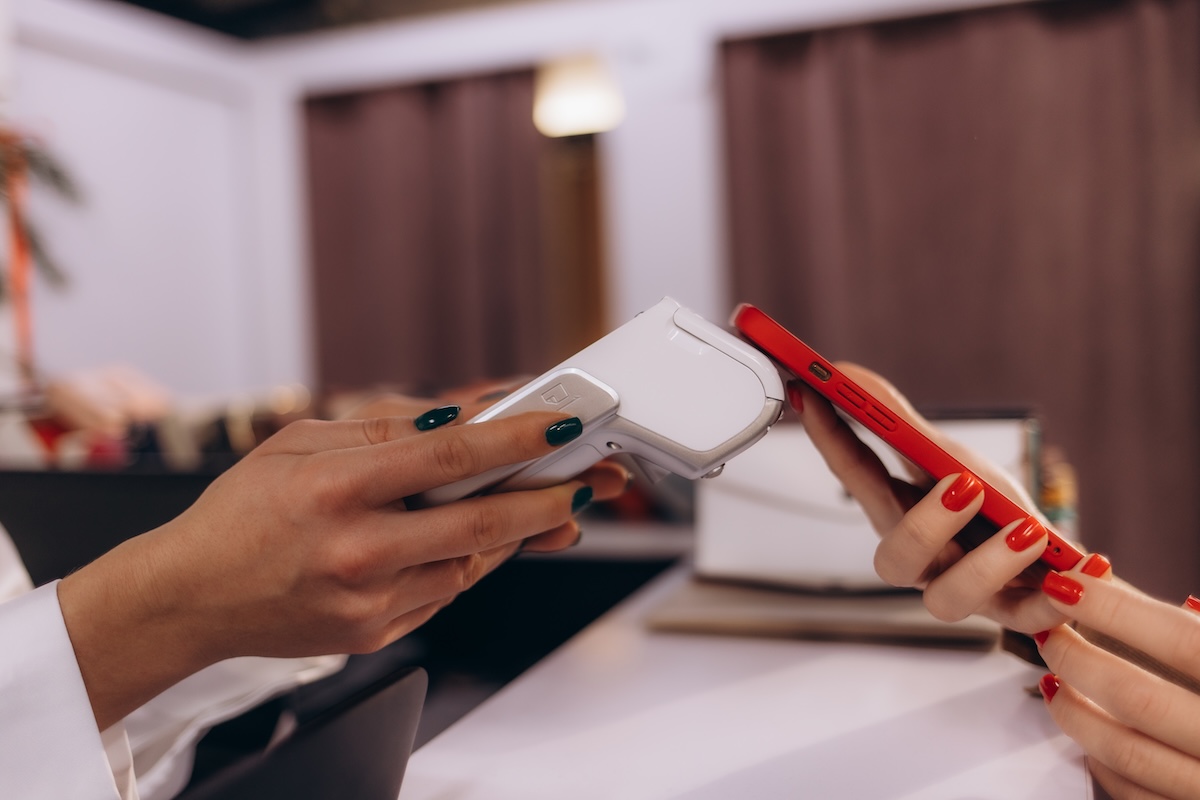
Tap to Pay turns your phone into the reader, so there is no separate device at all. The client taps a card, Apple Pay, or Google Pay against your phone, and the payment is done. It is the best fit for a mobile stylist who travels to clients and does not want one more thing to pack and charge, and for a new solo pro who wants to start taking cards today without buying hardware. Goldie's Tap to Pay works right inside the app on a compatible phone, so the payment lands in the same place as your bookings. The main thing to check is device support, since Tap to Pay depends on your phone model and region.
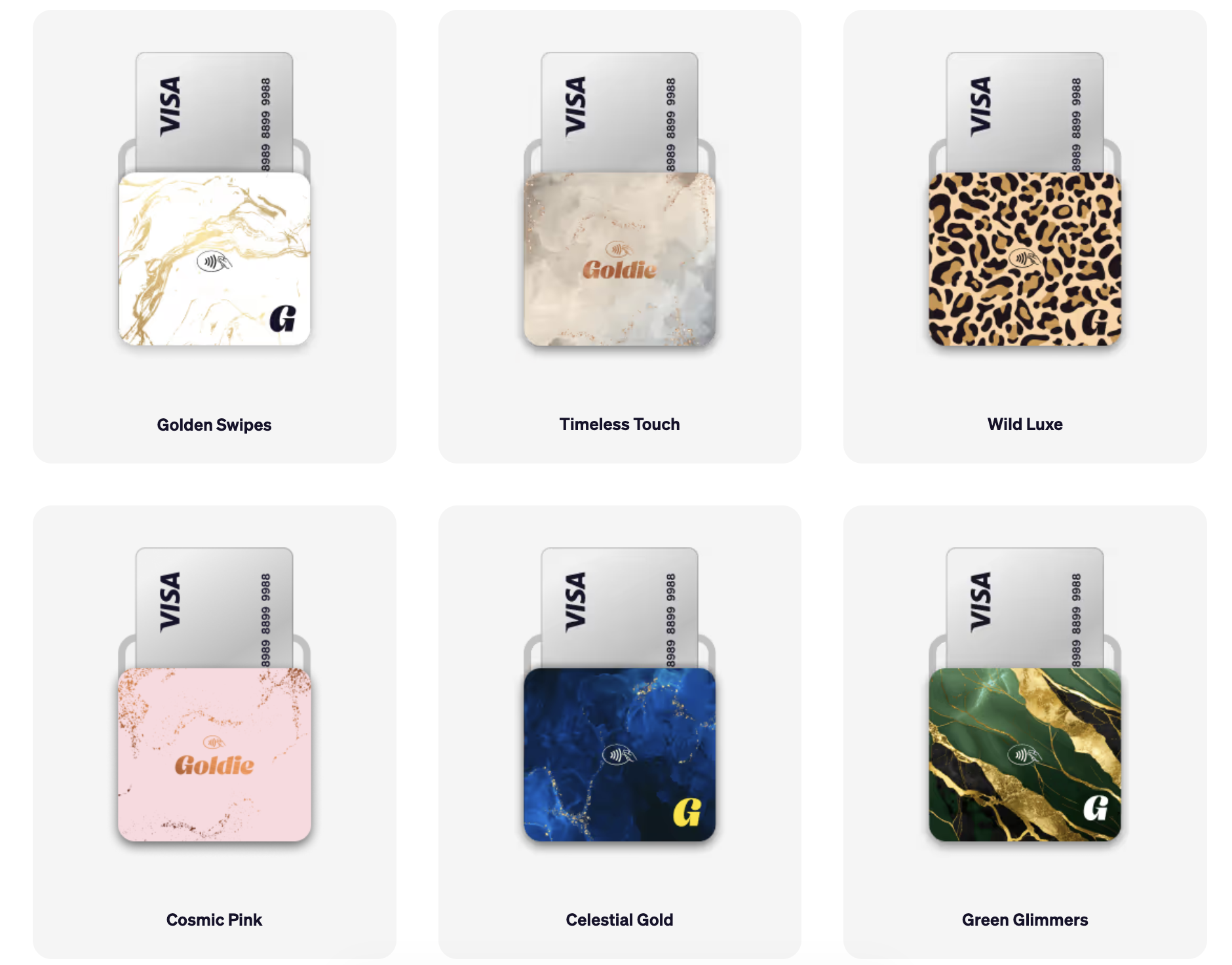
A portable handheld reader is a small, dedicated device that connects to your phone over Bluetooth and takes tap or chip payments. It is the right pick for a chair-based solo or a booth renter who wants a physical reader to hand over, kept separate from their phone screen. It fits in an apron pocket and travels with you between locations. Goldie's card reader lineup includes the M2, a portable handheld reader available in the US, and the WisePad 3, a compact portable reader with PIN entry available in the UK, Australia, and Canada. Both keep checkout quick without asking you to buy a full terminal.
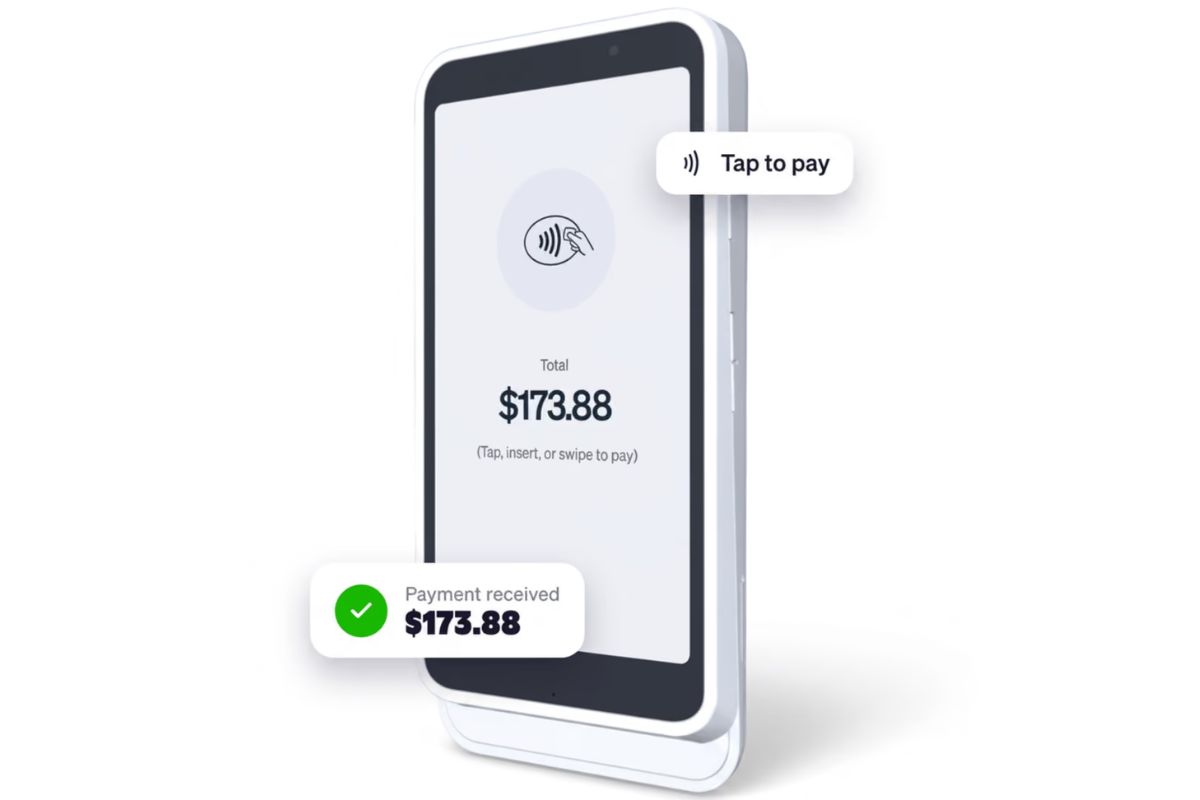
A countertop smart card reader is a larger reader with its own touchscreen that lives at your front desk. Clients tip, enter a PIN, and get an email receipt on the reader's own screen, not on your phone. It is built for a multi-chair shop with a busy reception, where sharing one small handheld reader between people slows everyone down. Goldie's Touch Smart Terminal powered by Stripe is this kind of device: it connects over Wi-Fi and reconnects on its own each morning, so there is no daily Bluetooth re-pairing, and it stays ready at the desk while you move on to the next client. The Touch card reader is available in the US, UK, Canada, and Australia, and US pros can spread the cost with Klarna pay over time.
There is a quieter reason the screen matters: tips. On a reader like Touch, the client sees the tip options on the terminal and taps the percentage themselves, 15%, 20%, 25%, custom, or none. On a handheld reader like the M2, there is no client-facing tip screen, so you set the tip in the Goldie app, which usually means asking the client out loud what they want to leave. Letting people choose a tip on a screen tends to lift what they give, and it takes the awkward verbal ask off your plate. If tips are a real part of your income and you have a fixed checkout spot, that on-screen prompt can pay for the terminal over time.
The best card reader is the one that matches your work style: Tap to Pay for mobile pros, a handheld reader for chair-based solos and booth renters, and a countertop terminal for multi-chair shops. Find the row that sounds like your day and start there.
One quick reality check on the table. If you are somewhere between two rows, for example a chair-based solo who occasionally does mobile work, lean toward the lighter option. Tap to Pay covers both without a second device, and you can add a handheld reader later if you want one. Buy for the work you do most, not the exception.

No. The reader is only as good as the system running it. A reader that takes payment but does not connect to your bookings, deposits, and reports just adds another login and another set of numbers to reconcile by hand. What saves you time is having checkout live in the same place as everything else.
This is where the choice gets simpler. When your reader runs through the same app as your calendar, every payment ties back to the client and the appointment automatically, so your numbers stay accurate without extra work and your automated reminders keep those clients showing up in the first place. Goldie's readers, Tap to Pay, the handheld M2 and WisePad 3, and the Touch terminal, all run through Goldie's checkout, which is powered by Stripe for processing. That means one flat rate across tap, chip, and manual entry, and one place to see what came in.
It also opens up options that a standalone reader cannot offer on its own. Because payments and bookings share a system, you can take a deposit when a client books, not just when they show up, which is the single most effective way to cut no-shows. You can also offer buy now, pay later on bigger services so a client can book the full appointment and pay over time. Those are system features, not reader features, and they are the real reason the app behind the reader matters more than the reader itself.
The best card reader for your salon is the one that fits how you work, not the one with the longest spec sheet. Match the device to your day, then make sure it connects to the rest of your business.
Next step: figure out the one spot where you take payment most often, at your chair, on the go, or at a desk, then pick the reader that fits that spot. When you are ready, compare Goldie's card reader options and see which one matches your setup.

.webp)