In short
Your 2 p.m. just finished her balayage, loves it, and reaches for her phone to pay. Then comes the question you have started to dread: “You take card, right?” You don’t, so she Venmos you, maybe tonight, maybe tomorrow, maybe after a reminder text you feel weird sending. Multiply that by a few clients a week and you are running a real business on a payment setup that leaks money and makes you chase it.

Card payments matter because your clients increasingly expect them, and because staying cardless quietly costs you bookings, no-show protection, and clean records. Strong beauty business payment processing is no longer a nice extra in 2026; it is part of looking like the professional you already are. Here is what is actually at stake.
Cards now carry everyday spending. In the Federal Reserve’s 2026 Diary of Consumer Payment Choice, credit and debit cards together made up about two-thirds of all consumer payments, while cash had slipped to roughly one in seven. Cash is not disappearing, plenty of people still keep it as a backup, but when a client goes to pay, they are reaching for a card. If you can’t take one, a new client has to find an ATM or promise to pay you later, and some of them just won’t.
Cards unlock no-show protection. This is the part that pays for itself. Once you can take a card, you can require a deposit when a client books and charge a fee if they ghost you. A card on file turns your time into something with a real cost attached, which is exactly why people stop treating your calendar as optional.
Card records make tax season survivable. Cash and peer-to-peer apps leave you reconstructing your income from memory and screenshots. Card processing logs every sale automatically, so your numbers are ready when you need them.
It signals you run a real business. The payment moment is the last thing a client experiences with you. A smooth, professional checkout tells them you have your act together, which is part of why they rebook and refer.
The friction is real, and the Federal Reserve has the receipts. Its 2024 Small Business Credit Survey found that 80% of small firms reported challenges with how they send and receive payments, with high fees and slow payouts named most often. Those two complaints, cost and speed, are worth keeping front of mind as you choose how to take cards, because they are exactly where the options differ.
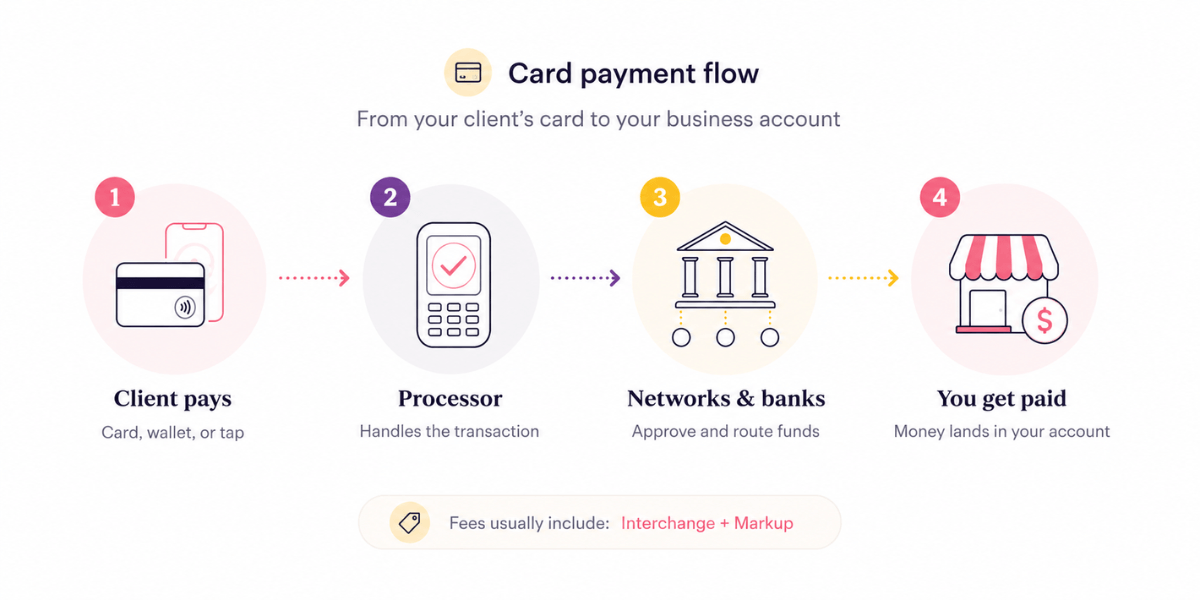
When a client pays by card, the money passes through several hands, the card networks, the banks, and your payment processor, and each one takes a small cut before the rest lands in your account. Understanding those cuts is how you tell a fair rate from a padded one.
Every card fee is built from two layers. Interchange is the portion set by the card networks (Visa, Mastercard, Amex, Discover) and paid to the client’s bank. It is non-negotiable and roughly the same no matter who processes your payment.
Markup is what your processor adds on top for handling the transaction. When a company advertises a flat rate like 2.6% plus a fixed amount, it has bundled interchange and markup into one simple number so you do not have to think about the layers underneath.
Flat-rate pricing is the right call for almost every solo beauty pro. It is predictable, it requires no negotiation, and it does not punish you for low volume. The trade-off is that at very high volume a custom “interchange-plus” deal can beat it, but that is a problem for later, once you are processing six figures a year.
Two different costs hide inside “payment processing.” Software is the system that runs the transaction, applies your policies, and records the sale. Hardware is the physical reader, if you use one. The important shift in recent years is that hardware is now optional: modern phones can accept a contactless tap directly, so you can start taking cards today with zero equipment and add a reader later if you want one.
Here is roughly what the rates look like in 2026, so you can benchmark honestly. Stripe’s published pricing runs about 2.9% plus $0.30 for online payments and 2.7% plus $0.05 for in-person taps through its terminal, though you assemble that setup yourself. Square’s flat rate on its free plan is 2.6% plus $0.15 for in-person taps but jumps to 3.3% plus $0.30 for online and invoice payments after its 2026 pricing change.
Goldie’s payment processing is a flat 2.6% plus $0.30 per transaction in the US and Canada, with the same rate whether the client taps, pays by saved card, or you key it in manually. No single rate is cheapest in every scenario, so the honest comparison is not just the percentage. It is whether the rate is predictable and whether the system saves you work, which is where method-by-method pricing and disconnected tools start to cost you in time instead of cents.
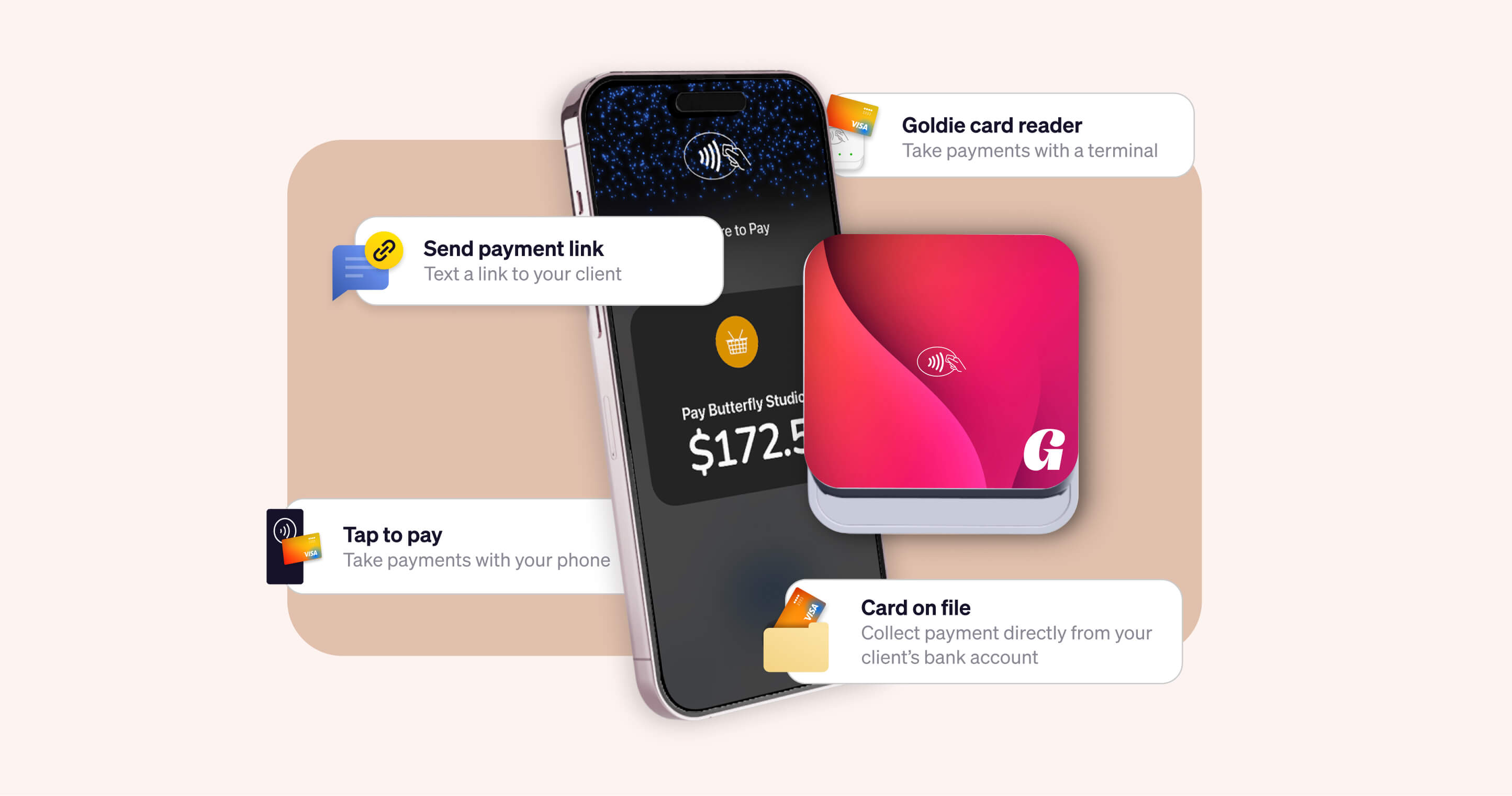
You have four main ways to accept card payments salon-side, and most pros end up using two or three of them depending on the moment. Here is how to think about each.
Tap to pay turns your phone into the card reader, with no extra hardware. The client holds their card, Apple Pay, or Google Pay to your phone, and the payment is done in seconds.
It is the fastest way to start, ideal for a one-chair operation or a mobile pro working out of a bag, and it keeps checkout contactless and clean. If you do nothing else this week, this is the place to start.

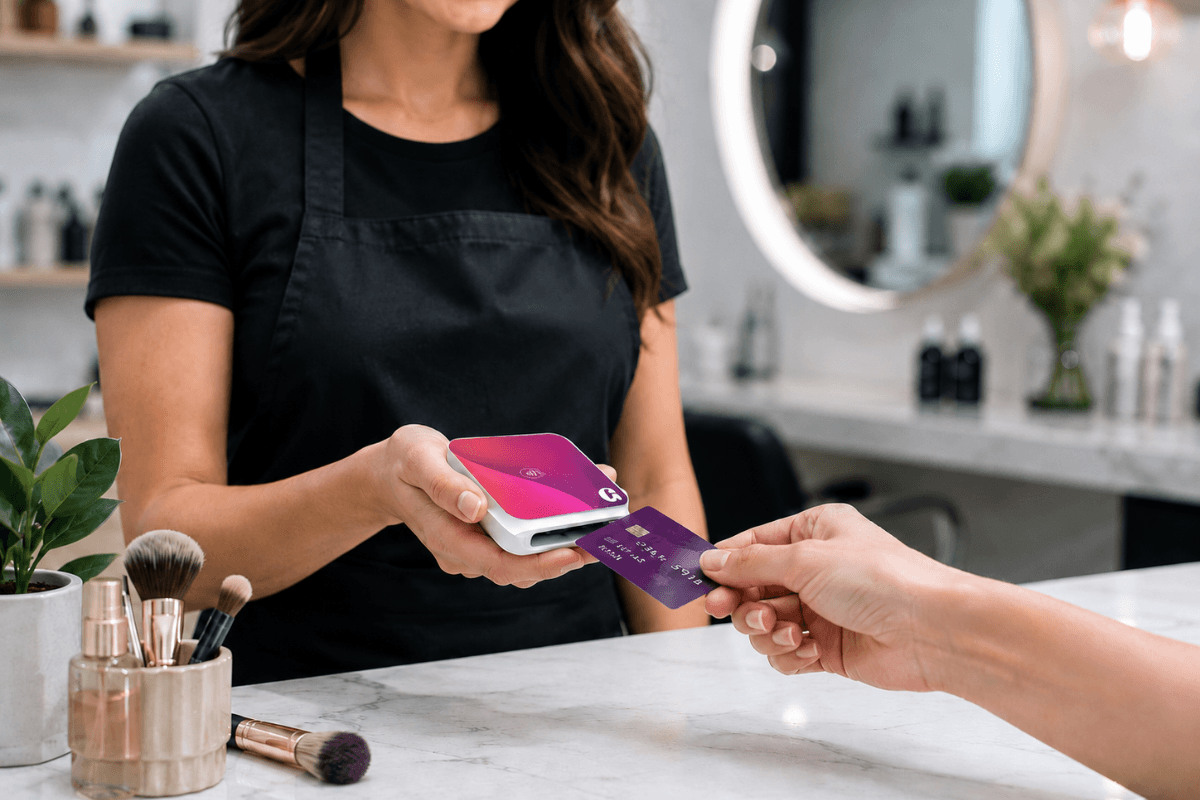
A small reader pairs with your phone or tablet and accepts taps, chip cards, and swipes. It is useful if your clients still carry physical cards, if your phone model does not support tap to pay, or if you simply want a dedicated device at your station.
Readers are inexpensive and made for working conditions. Goldie’s card readers for beauty pros connect to the same app that runs your calendar, so a payment taken on the reader still lands against the right appointment.
A countertop terminal is the all-in-one device you see at a front desk: screen, reader, sometimes a printer. It makes sense for a busier space with a checkout counter and steady walk-in volume.
For a true solo pro between appointments, it is usually more machine than the day needs, and it ties you to one spot.
This is the option built for how you actually work. Instead of a payment tool that lives separately from your calendar, the processing is part of your booking app, so a deposit collected at booking, a balance paid at checkout, and a tip added on top all attach to the same appointment and the same client record automatically.
For a payment processor for a hair salon or a solo studio, this is the difference between bookkeeping that happens by itself and a Sunday spent matching payouts to a calendar by hand.
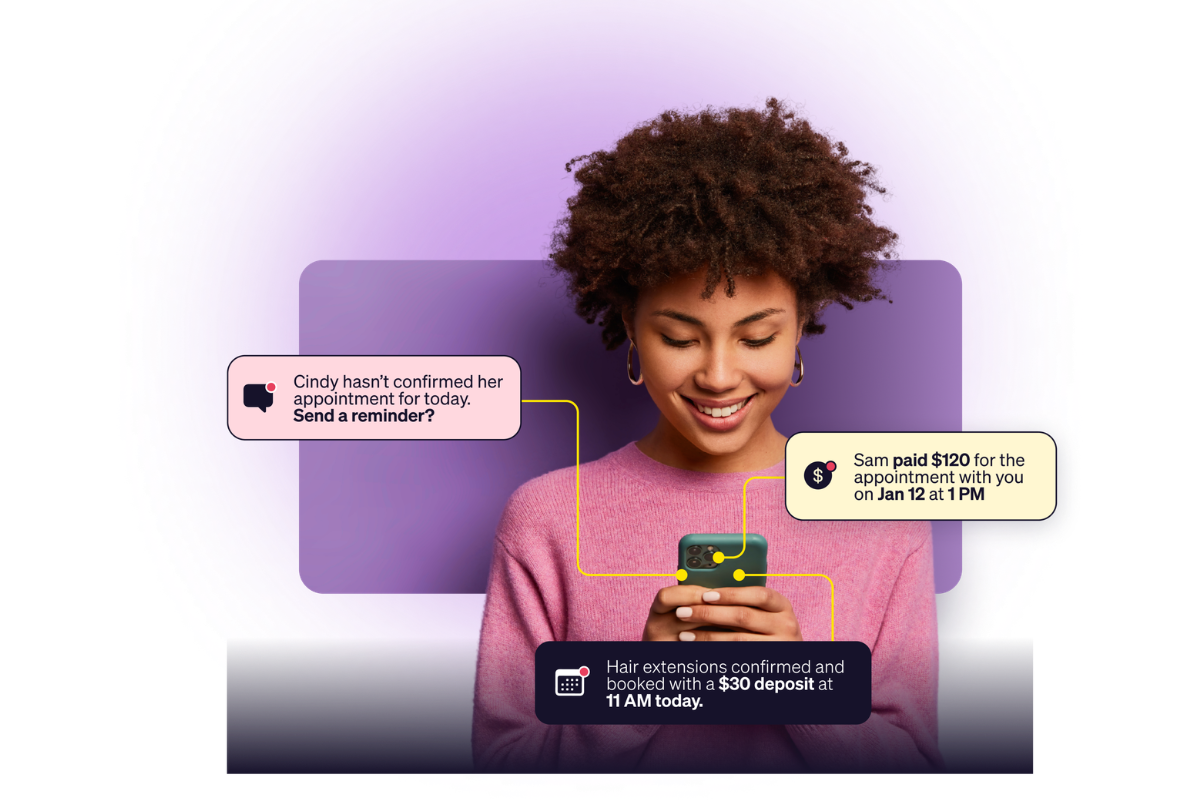
Processing a card is the easy part. The reason to put payments inside your booking app is that it closes the gaps where solo pros lose money, the ones cash and Venmo can never cover.
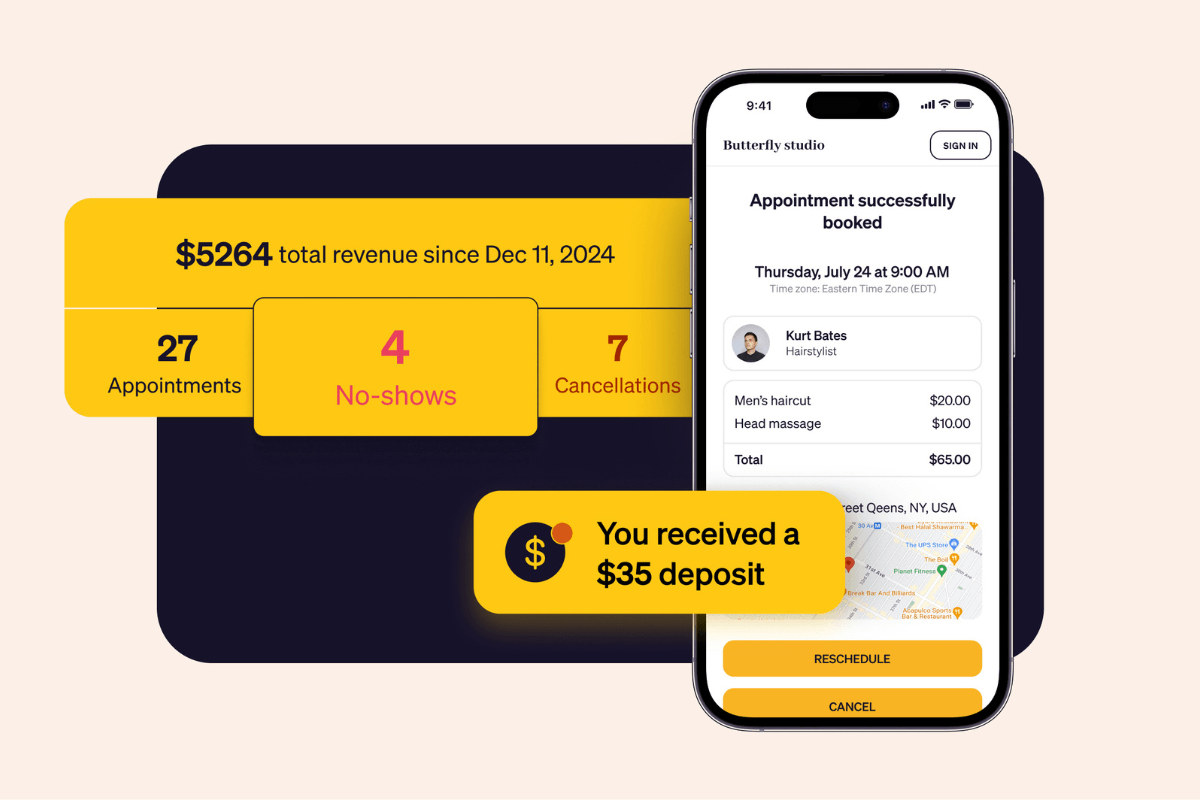
Deposits and no-show fees. When payments live with your bookings, you can require a deposit the moment a client books and charge a no-show fee from their saved card if they don’t turn up. Goldie reports that pros using deposits cut no-shows by more than 90%, because a client who has paid something upfront shows up. A standalone card reader cannot do this, because it does not know who booked what.
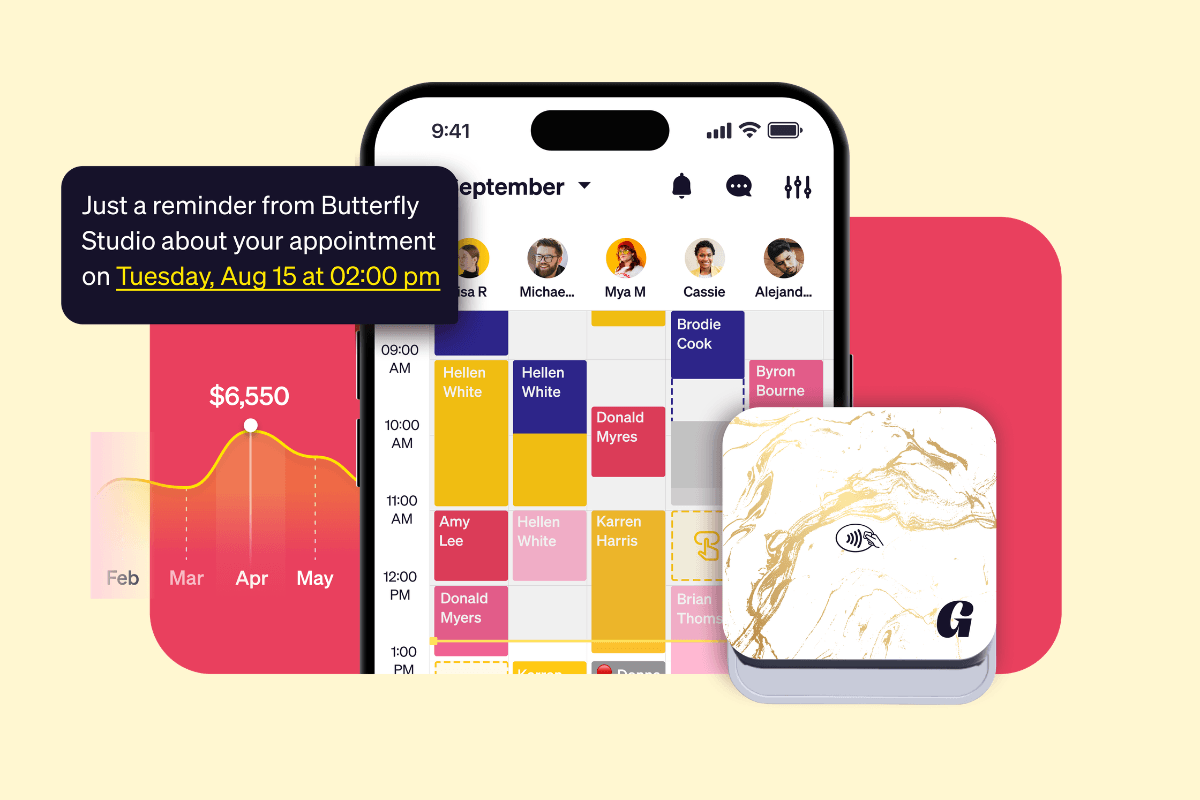
Everything reconciles itself. Every payment syncs to your calendar and your income reports in real time, and at tax season you export the whole year in a tap. No spreadsheet, no separate point-of-sale system, no manual matching.
You get paid faster. Integrated processing can move money to you the same business day, or in around 30 minutes on demand, which matters when you need to cover supplies or booth rent without waiting on a bank window.
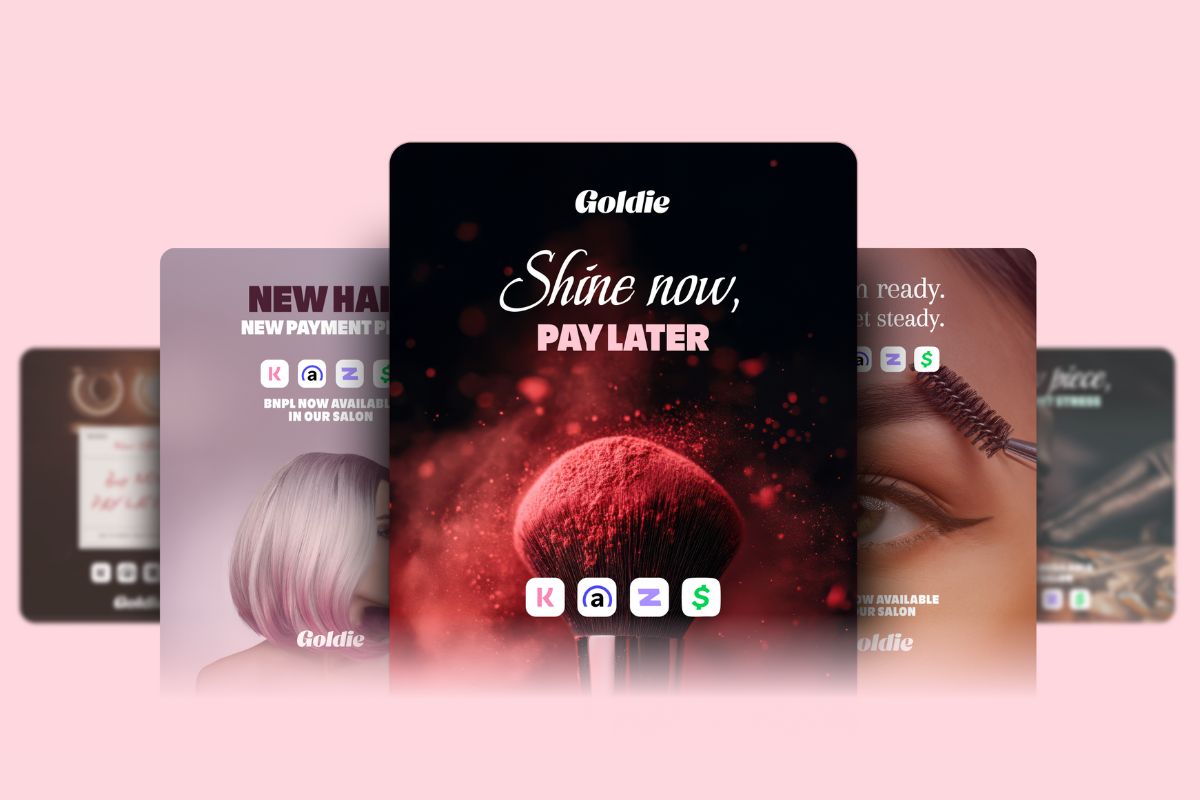
Big-ticket services get easier to say yes to. Built-in Buy Now, Pay Later options let a client split the cost of a color correction or a full set into installments while you are paid in full upfront. Goldie reports salons that add it see roughly 20% more total revenue, mostly from clients who would otherwise have delayed the higher-priced service.
None of this requires you to learn accounting or bolt ten apps together. It requires one system where the booking and the payment are the same event.
Switching from cash to integrated payments takes about an evening, and you do not have to change everything at once. Work through this checklist in order, and your back office starts running itself within the first week.

.webp)